

Everything You Need to Start DJing
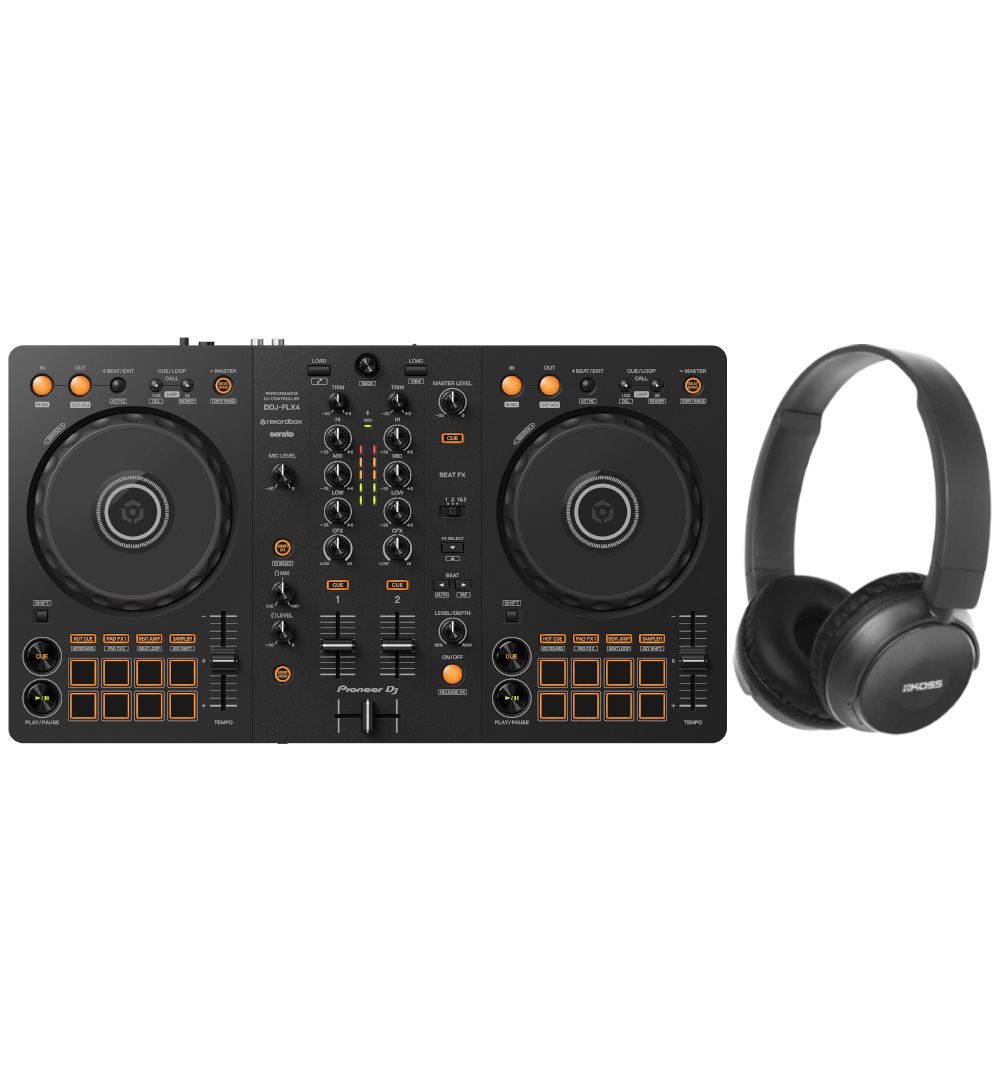
This beginner DJ set pairs the Pioneer DJ DDJ-FLX4, one of the most popular first DJ controllers, with Koss BT330i headphones. Just add your laptop, phone or tablet, and you can start mixing your first tracks the same day.
A Layout That Grows With You
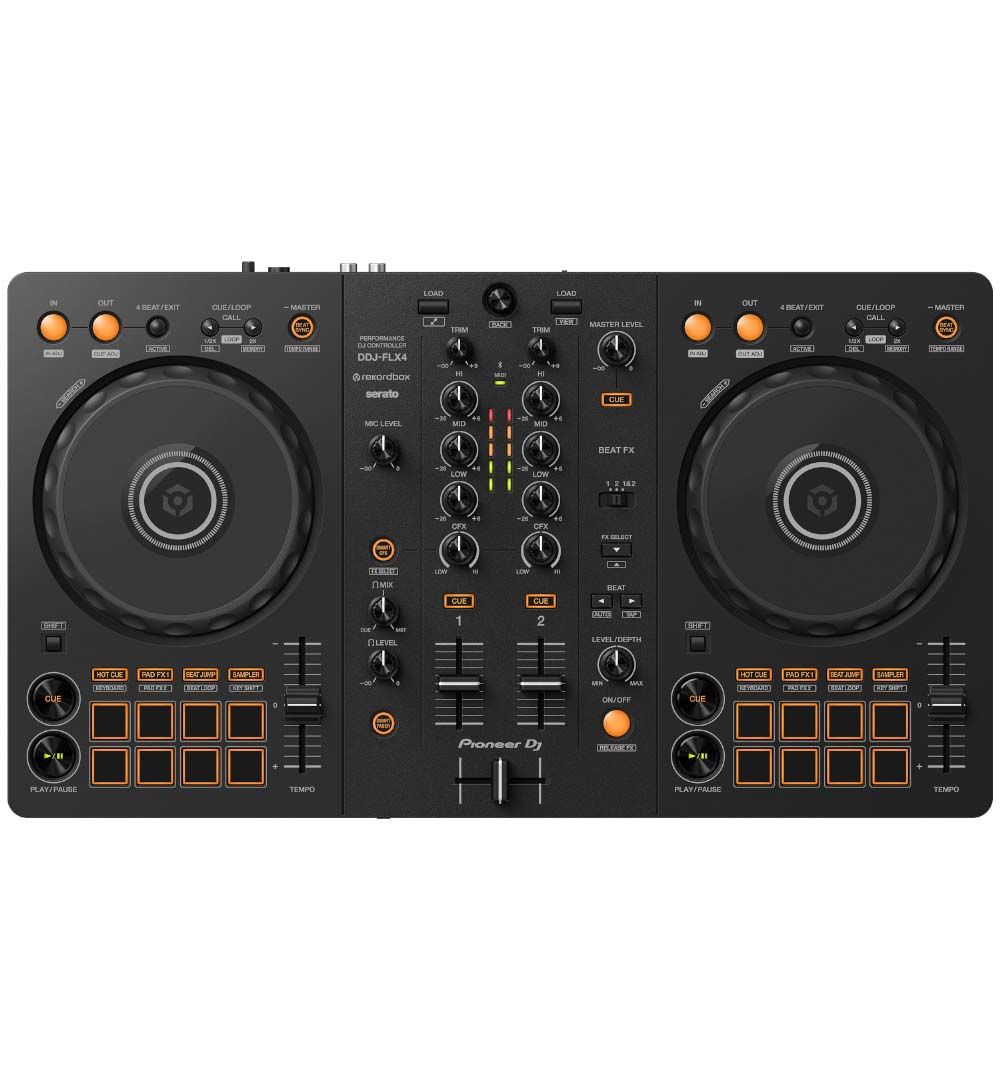
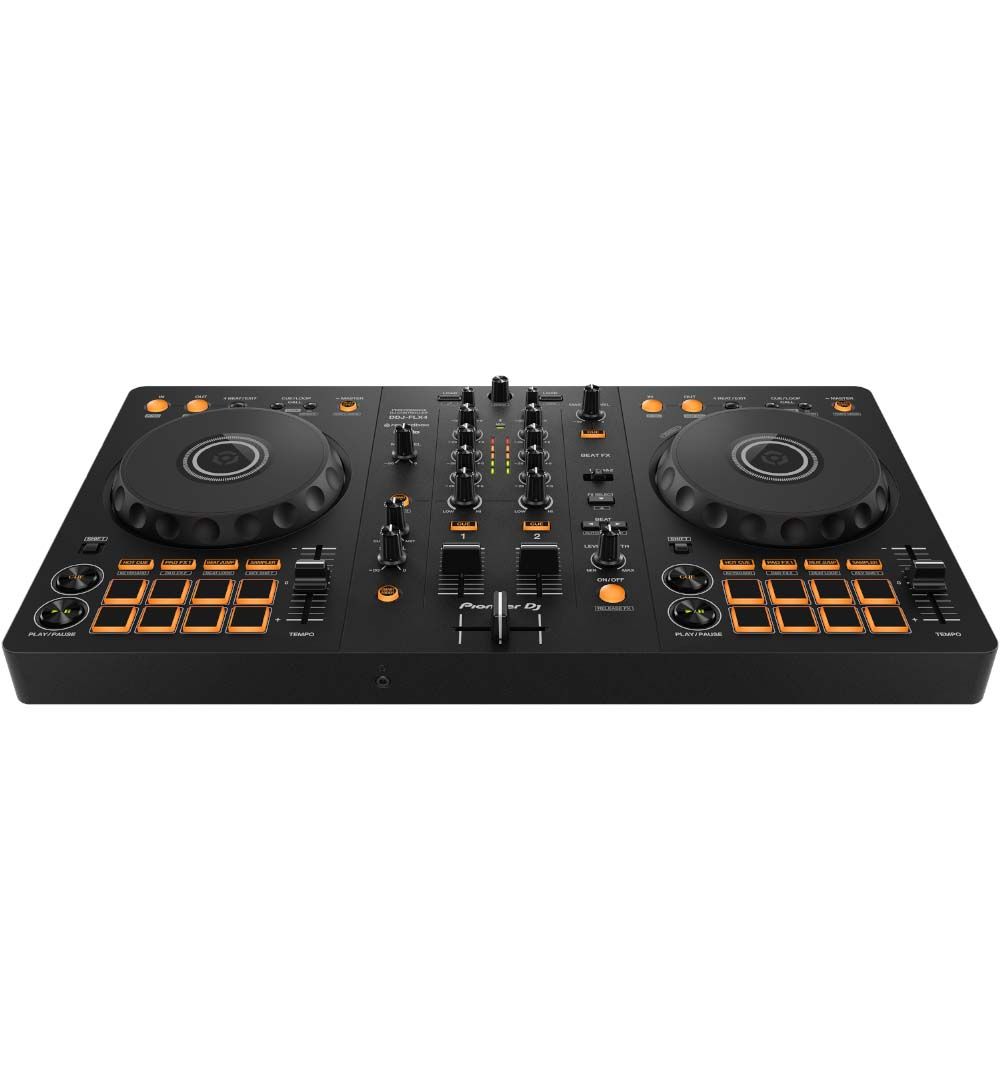
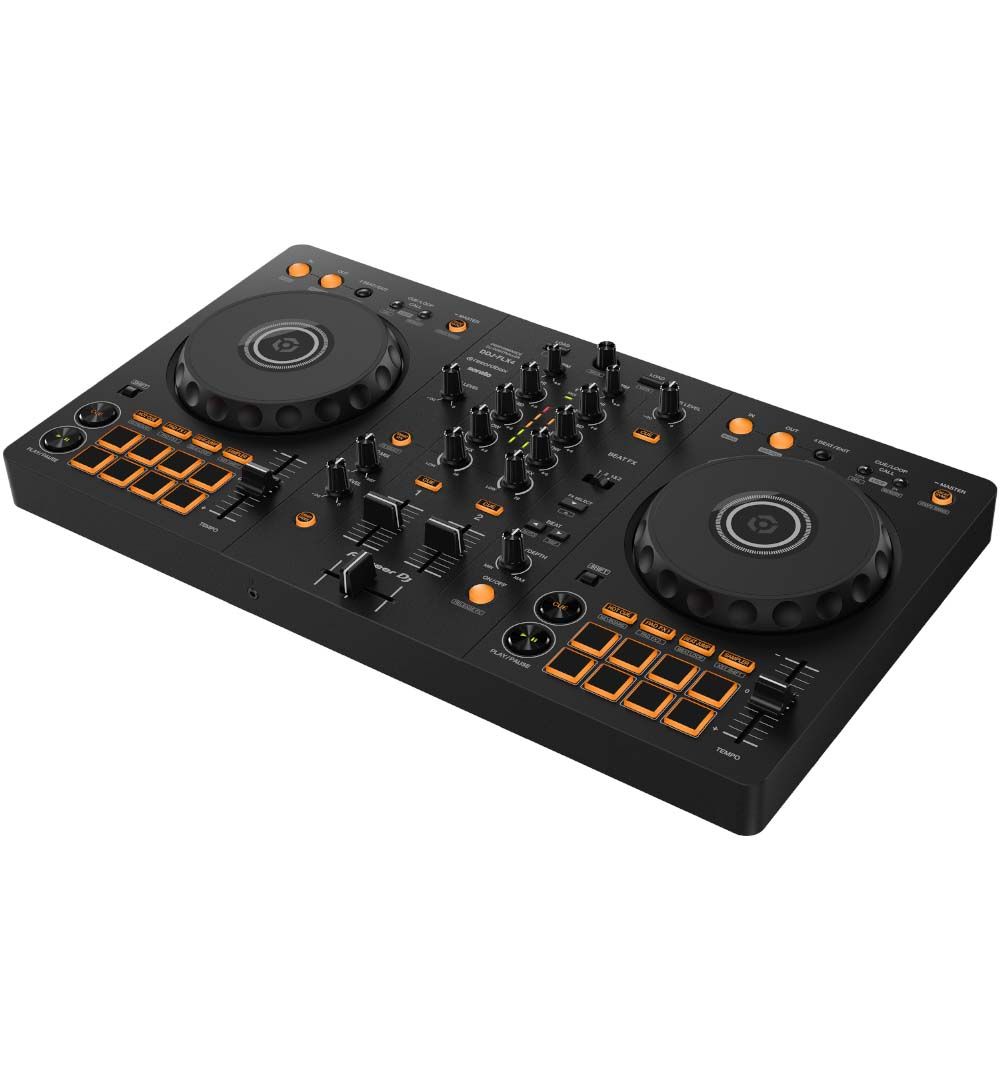
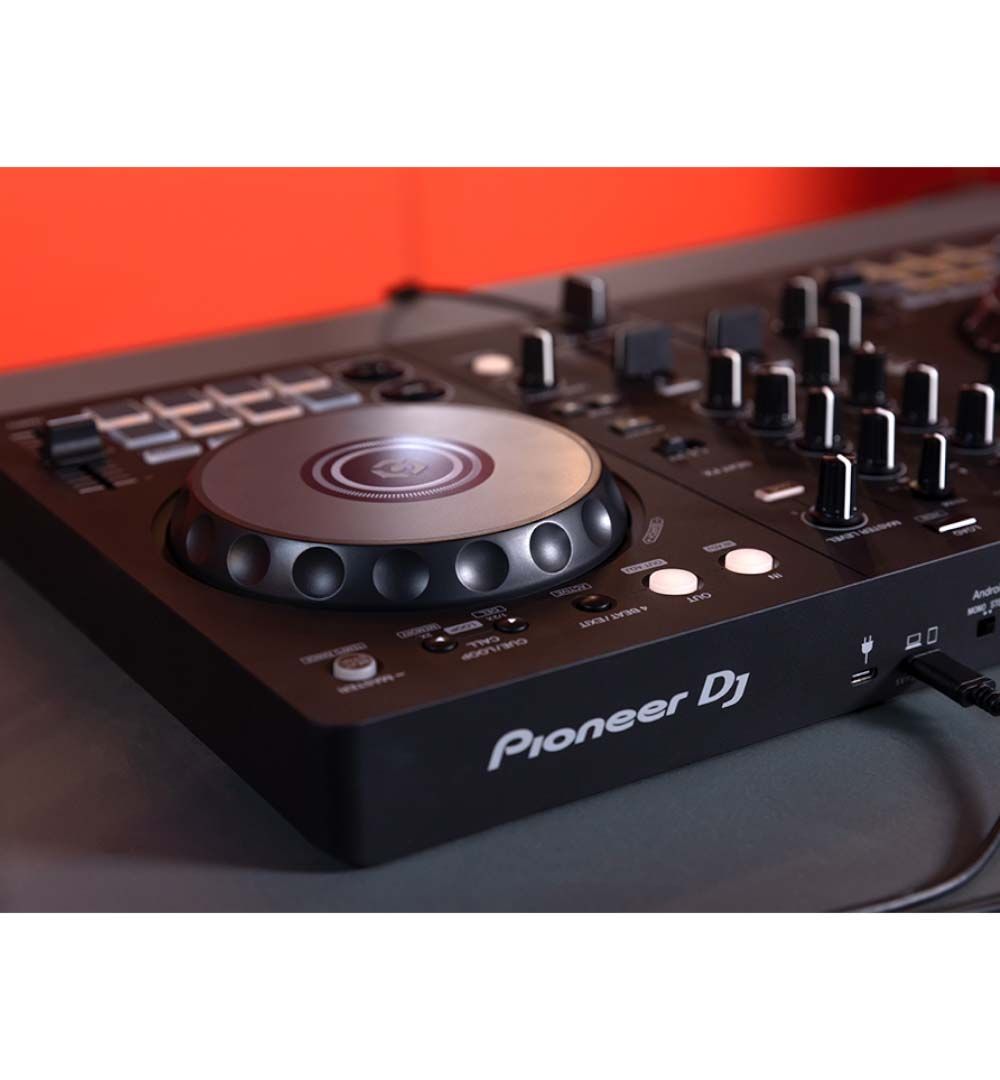
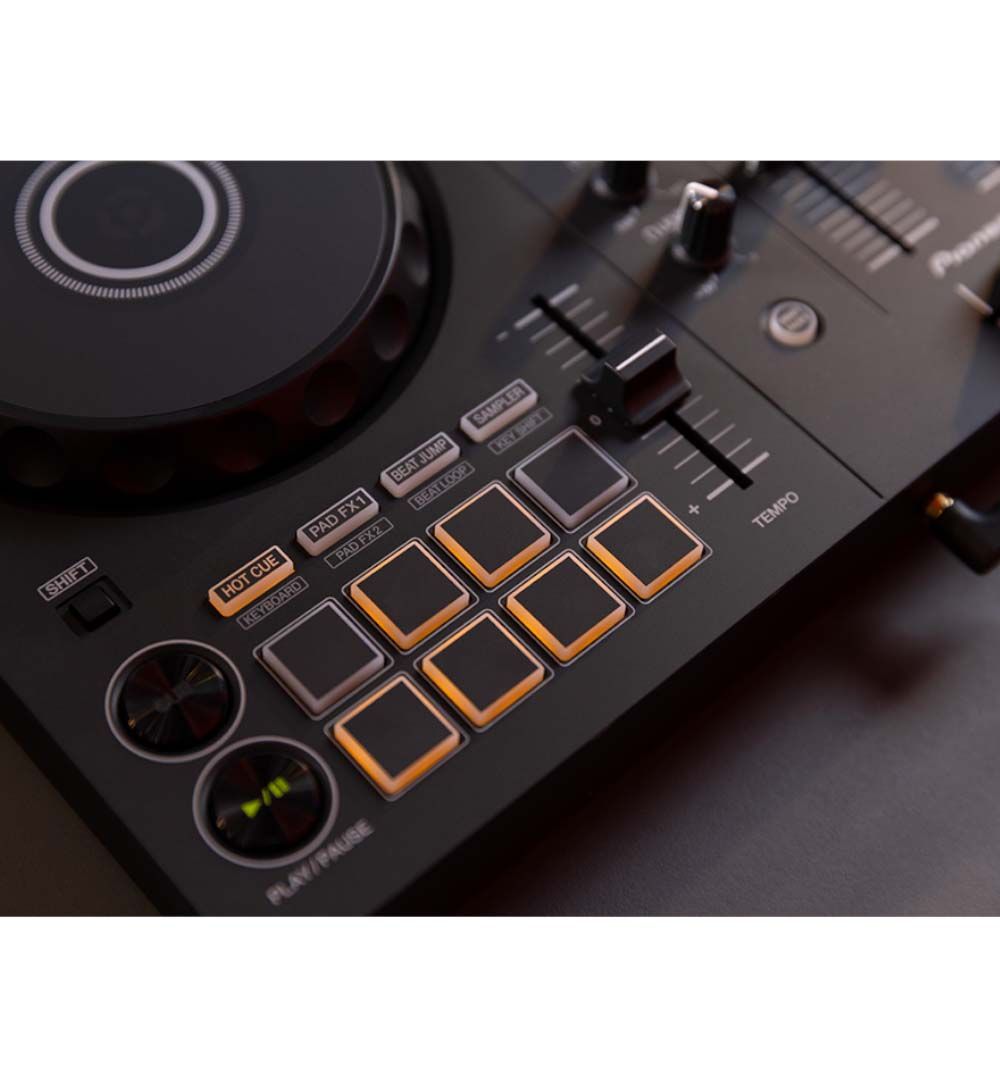
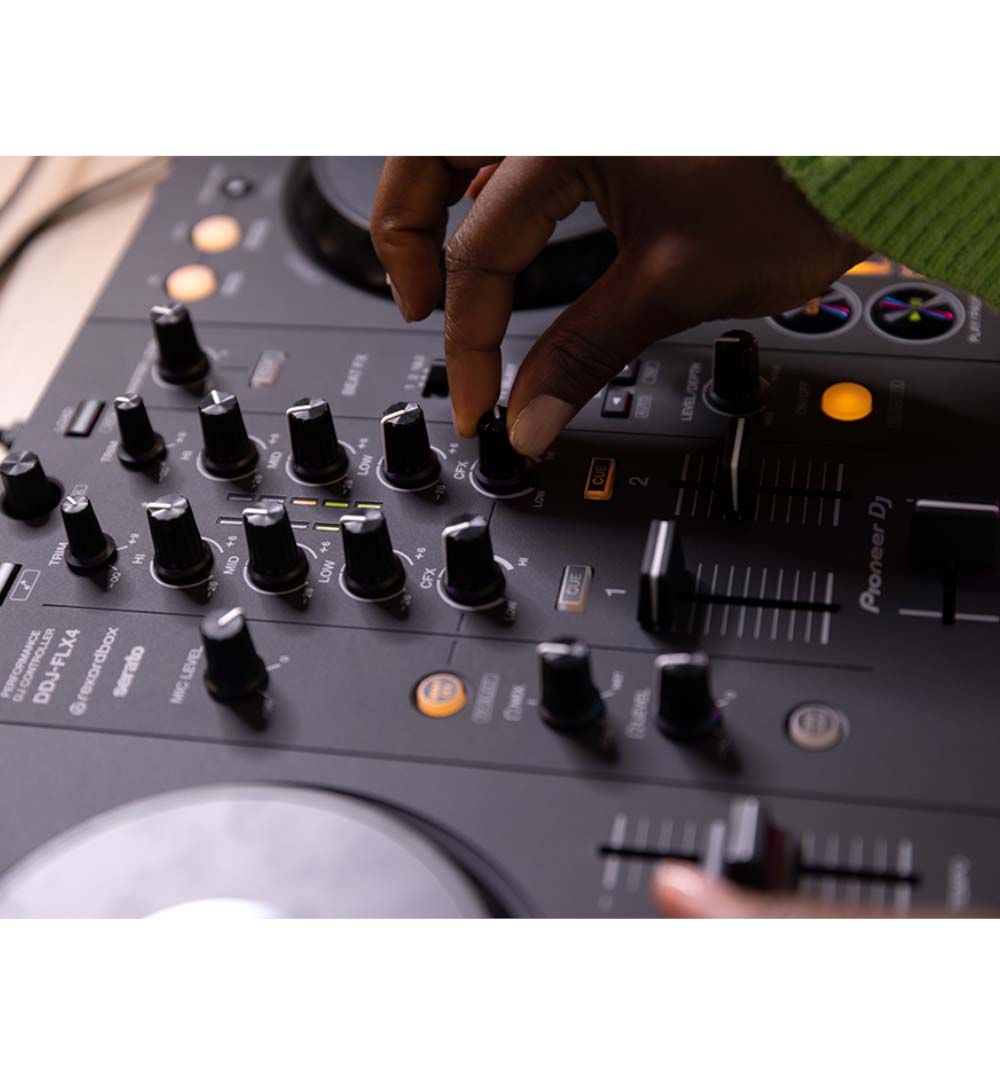
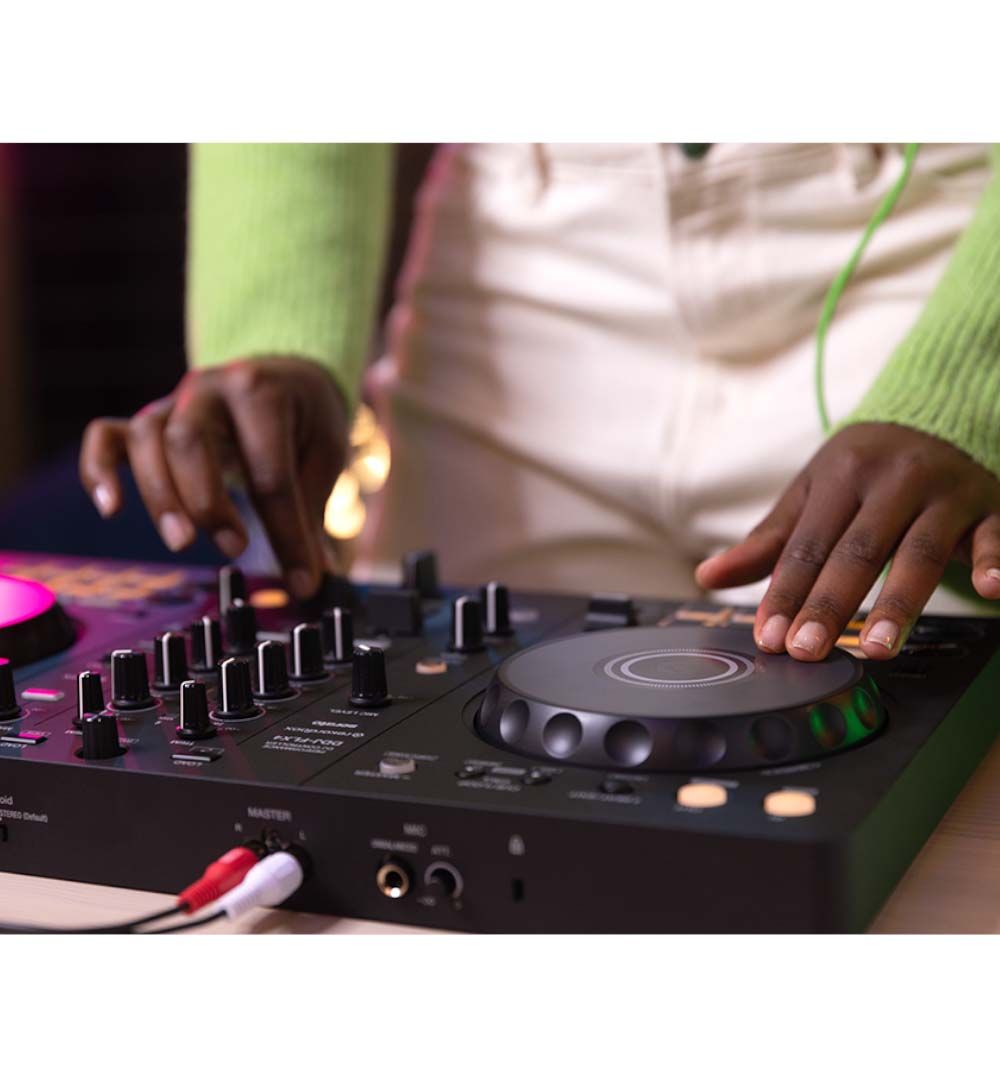
Each deck has a jog wheel, tempo slider, play and cue buttons and eight performance pads, while the centre holds a 2-channel mixer with EQs, channel faders and a crossfader. Because this layout mirrors club equipment, the skills you build at home carry over when you step up to bigger setups.
Smooth Mixes While You Learn
Smart Fader automatically matches volume, bass and BPM as you move the faders, so your transitions sound clean even before you’ve mastered beatmatching. Similarly, Smart CFX applies a combination of effects from one knob, which makes build-ups and drops easy to add without digging through menus.
On top of that, eight backlit pads per deck give you instant access to Hot Cues, Pad FX, Beat Jump and the Sampler.
Free DJ Software to Get Started
The DDJ-FLX4 works with rekordbox, Serato DJ, djay and Traktor Play. Best of all, rekordbox is free to use with this controller via a hardware unlock, and Serato DJ Lite is free too. As a result, you can try both and choose the one that suits you. However, premium tiers such as Serato DJ Pro or djay Pro require a separate licence or subscription.
Mix on a Laptop, Phone or Tablet
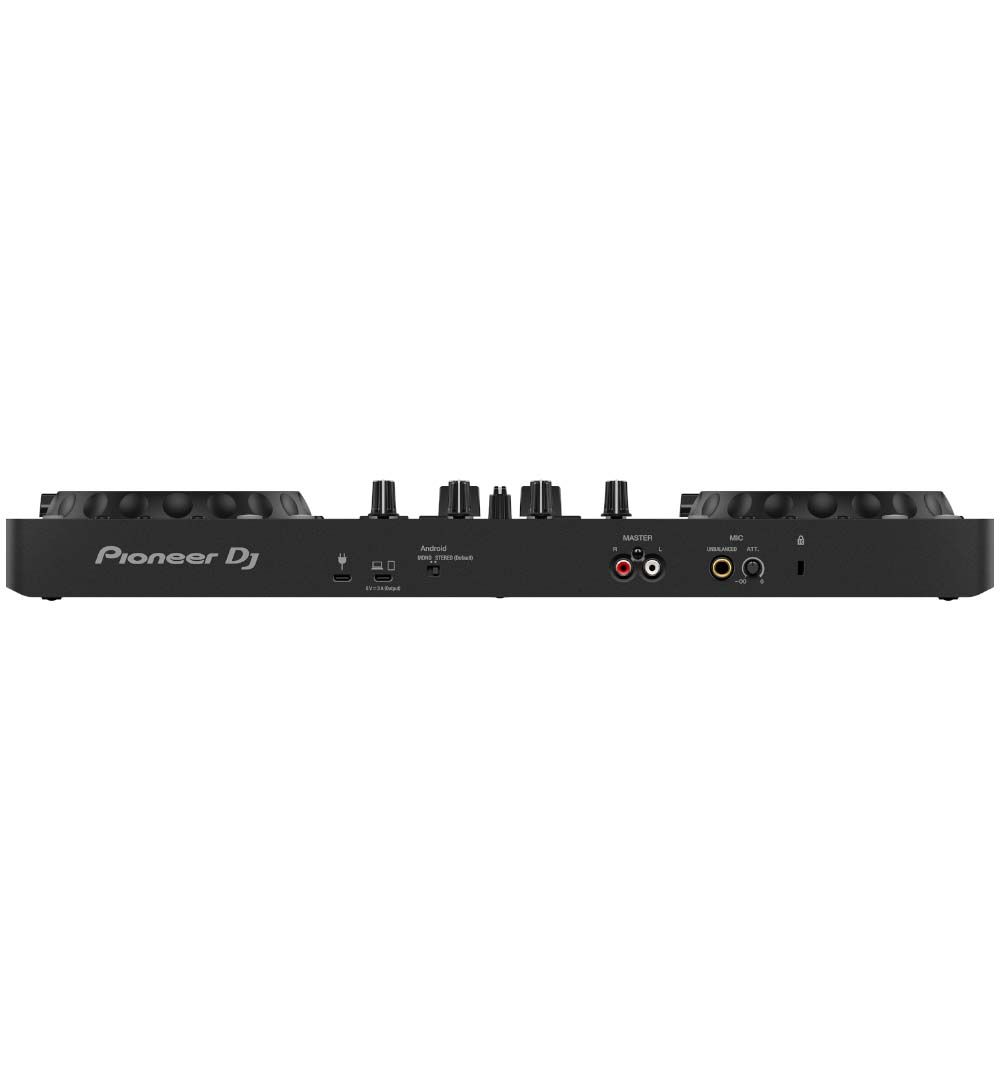
Connect a compatible PC or Mac by USB, or use a supported iPhone, iPad or Android device over USB or Bluetooth. Since the controller is class-compliant, computers don’t need a separate audio driver. For the tightest, most responsive mixing, a wired connection is the best choice.
Headphones for Cueing and Everyday Listening
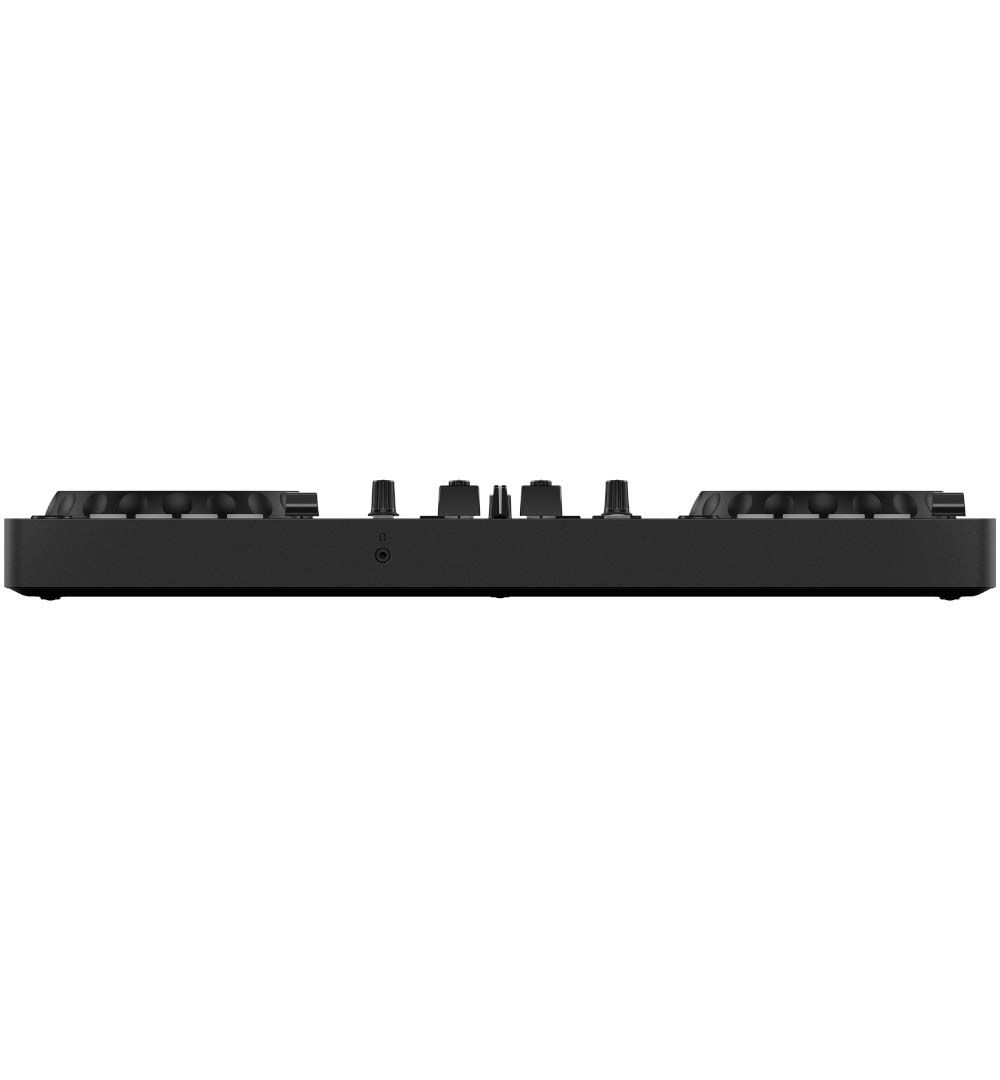
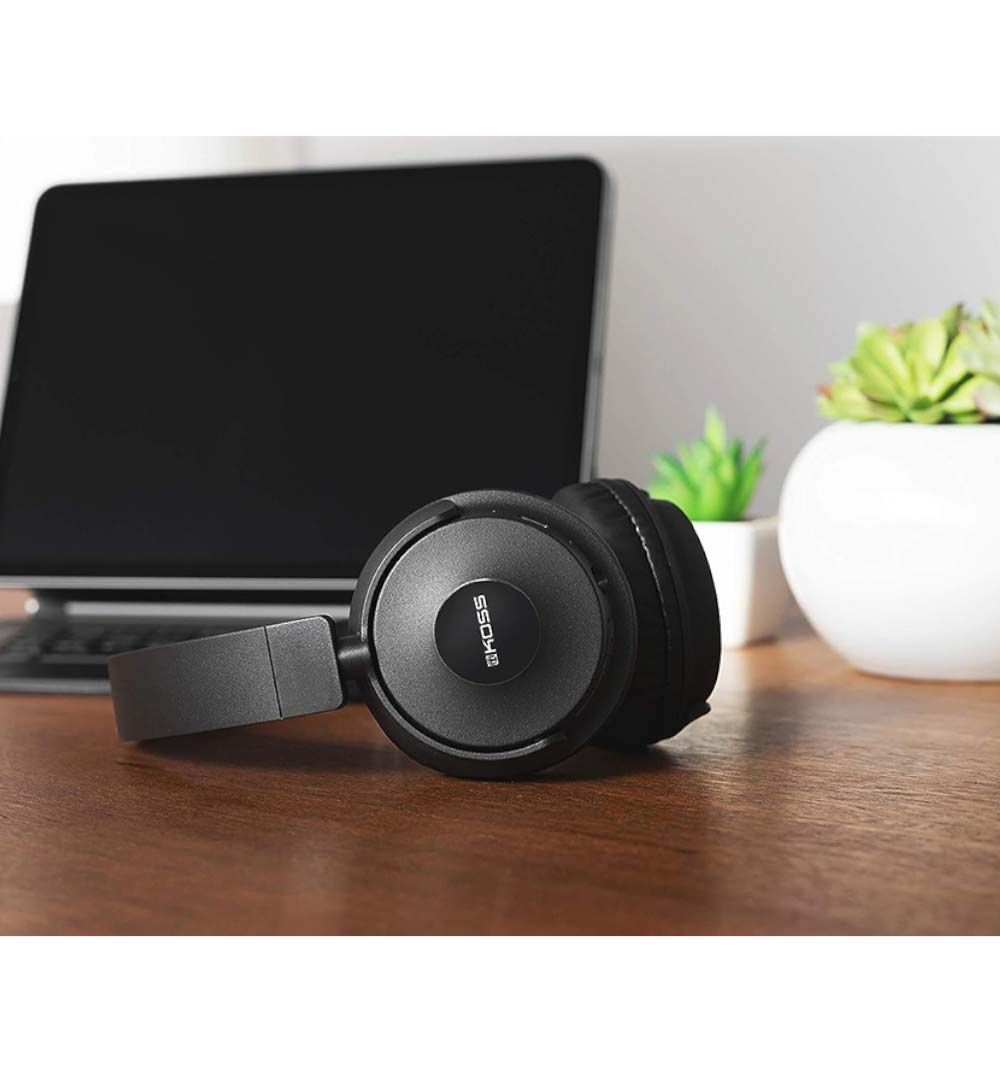
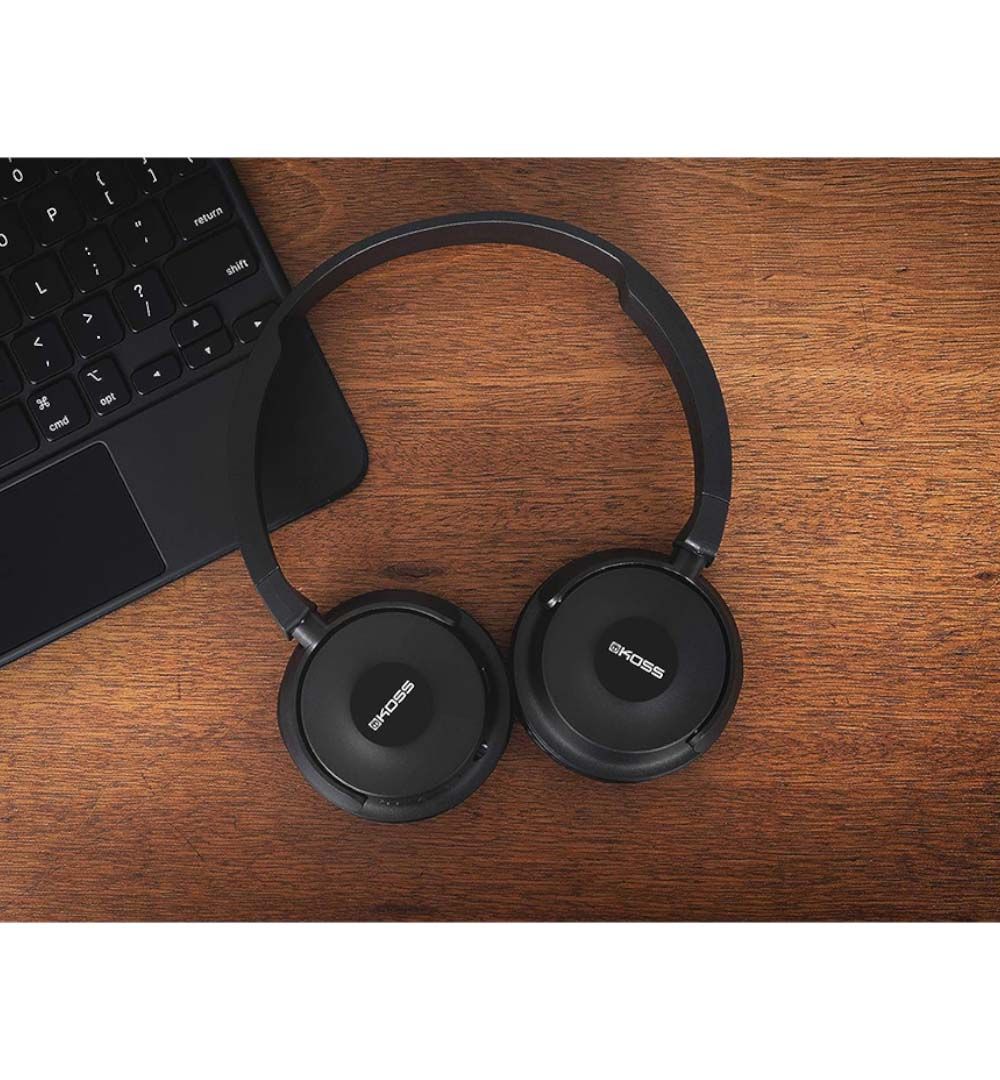
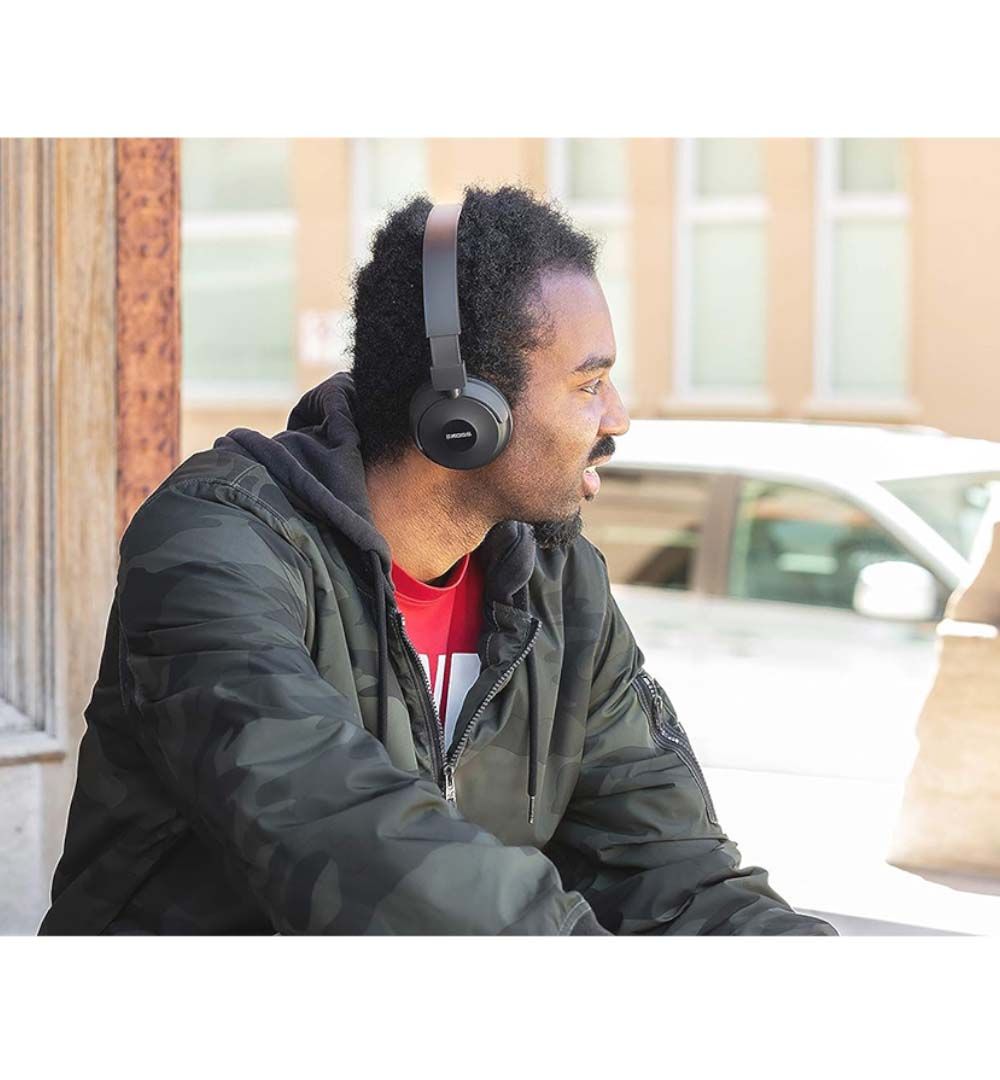
Every DJ needs headphones to preview the next track, and this pack includes them. For cueing, plug the Koss BT330i into the controller’s 3.5mm headphone output using the included audio cord. Then, when you’re away from the decks, unplug the cord and switch to Bluetooth 5.0 for wireless listening with up to 12 hours of battery life and a built-in mic for calls.
Stream Music and Go Live
Through rekordbox, you can mix from supported streaming services such as Apple Music, Beatport Streaming, SoundCloud Go+, TIDAL and Spotify. Note that a separate streaming subscription may be required, and availability varies by plan and country.
Additionally, the 1/4-inch microphone input lets you talk or MC over your set. The controller can also send your mic and music together over USB, which makes it a great fit for live-streaming.
What Else Do You Need?
- A compatible computer, phone or tablet running supported DJ software
- Your music, either your own files or a supported streaming service
- Optional: powered speakers or a home stereo with an RCA input, for playing out loud
Want speakers in the box too? Check out the complete DDJ-FLX4 DJ pack, which adds compatible monitor speakers.
What’s in the Box?
- Pioneer DJ DDJ-FLX4 controller
- USB Type-C cable
- Koss BT330i Bluetooth headphones
- Removable 3.5mm audio cord and USB charging cable for the headphones
- Quick Start Guide, precautions for use and Serato information flyer
Starter Pack FAQ
Getting Started FAQ
Is the DDJ-FLX4 good for beginners?
Yes. In fact, it’s one of the most recommended DJ controllers for beginners. Its club-style layout teaches the fundamentals, while Smart Fader keeps your transitions smooth as you learn.
What do I need to start DJing with this set?
Just this beginner DJ set and a compatible laptop, phone or tablet. Since the headphones are included, you can practise straight away. Later, when you’re ready to play out loud, add powered speakers or a home stereo with an RCA input.
How do I set it up?
Setup takes just a few minutes:
- First, download and install rekordbox or Serato DJ.
- Next, connect the controller to your device with the included USB Type-C cable.
- Then, plug in the headphones using the included audio cord (and speakers, if you have them).
- Finally, add your music to the software’s library, and you’re ready to mix.
Are speakers included?
No. However, you don’t need speakers to start, because the headphone mix control lets you practise entirely on the included headphones. To play out loud, connect powered speakers or a home stereo to the RCA master output.
Can I DJ with Bluetooth headphones?
For cueing, use the included audio cord to plug the Koss BT330i into the controller’s 3.5mm headphone output. That’s because Bluetooth has a slight delay that makes beatmatching difficult. Instead, save Bluetooth mode for everyday listening and finding new music.
DJ Software and Streaming FAQ
Is rekordbox free with the DDJ-FLX4?
Yes, rekordbox is free to use with the DDJ-FLX4 via a hardware unlock. Some premium, cloud or streaming features may still require a paid plan or a separate streaming subscription.
What’s the difference between rekordbox and Serato?
Both are DJ software that play your music while the controller gives you hands-on control. rekordbox is made by AlphaTheta, the company behind Pioneer DJ, so it’s also the system used with the Pioneer CDJ players found in most clubs.
Serato, on the other hand, is especially popular with hip-hop and scratch DJs. Since both have free versions for the DDJ-FLX4, you can try each and keep the one you prefer.
Can I DJ on my phone or tablet?
Yes. Supported iPhone, iPad and Android devices can connect by USB or Bluetooth. That said, a wired connection gives the most responsive mixing, and a laptop unlocks the most features. For more details, see rekordbox’s guide to connecting the DDJ-FLX4 to a phone or tablet.
Can I use this set for live streaming?
Yes. The 1/4-inch mic input and USB mic output let you send your voice and music together to compatible streaming setups. Note that the USB mic output isn’t available while the controller is connected by Bluetooth.
For transport and protection, check out our Magma DDJ-FLX4 controller case or a fitted Decksaver DDJ-FLX4 cover.