
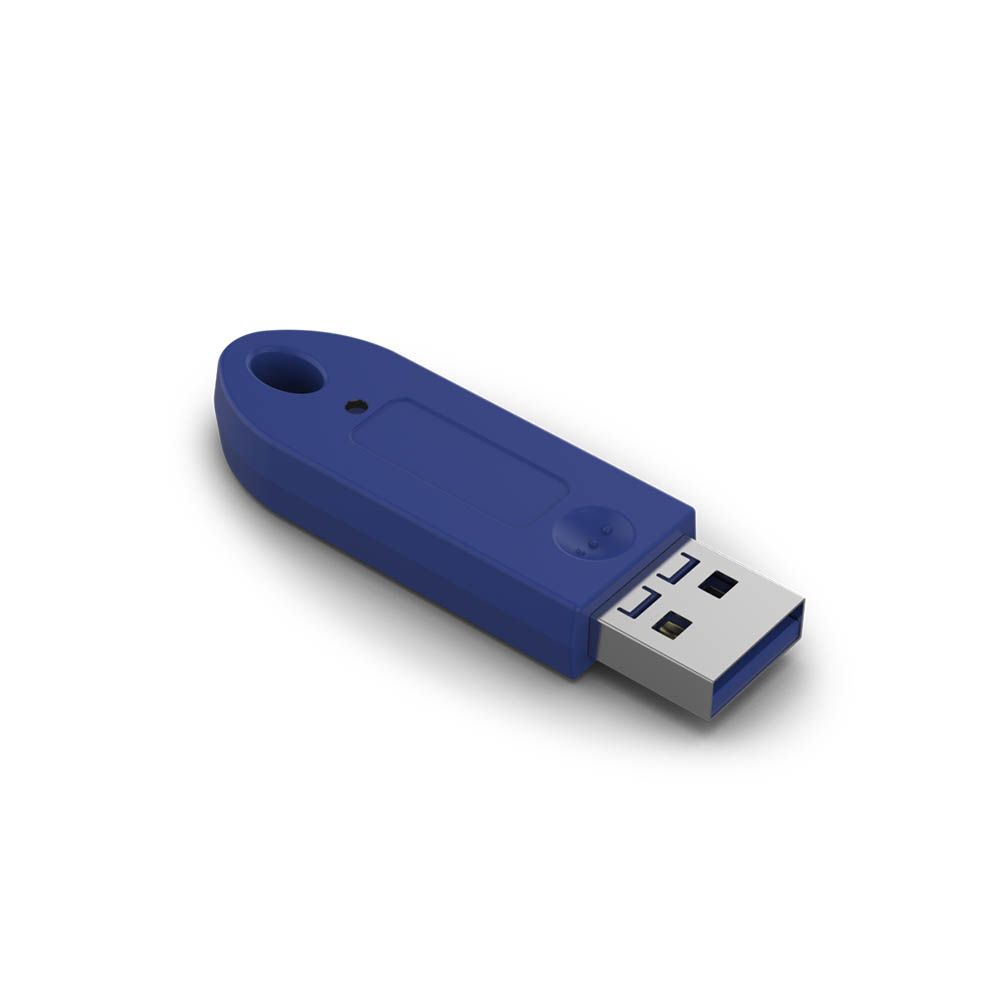
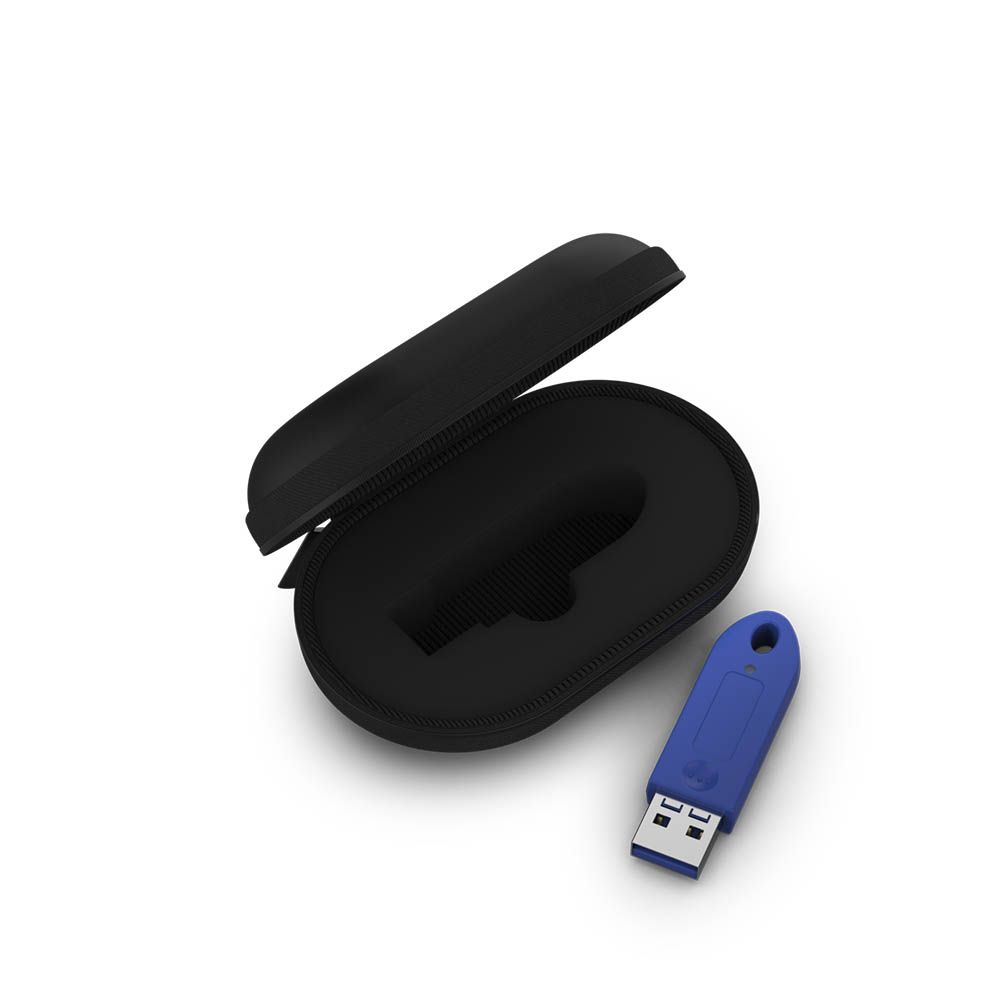
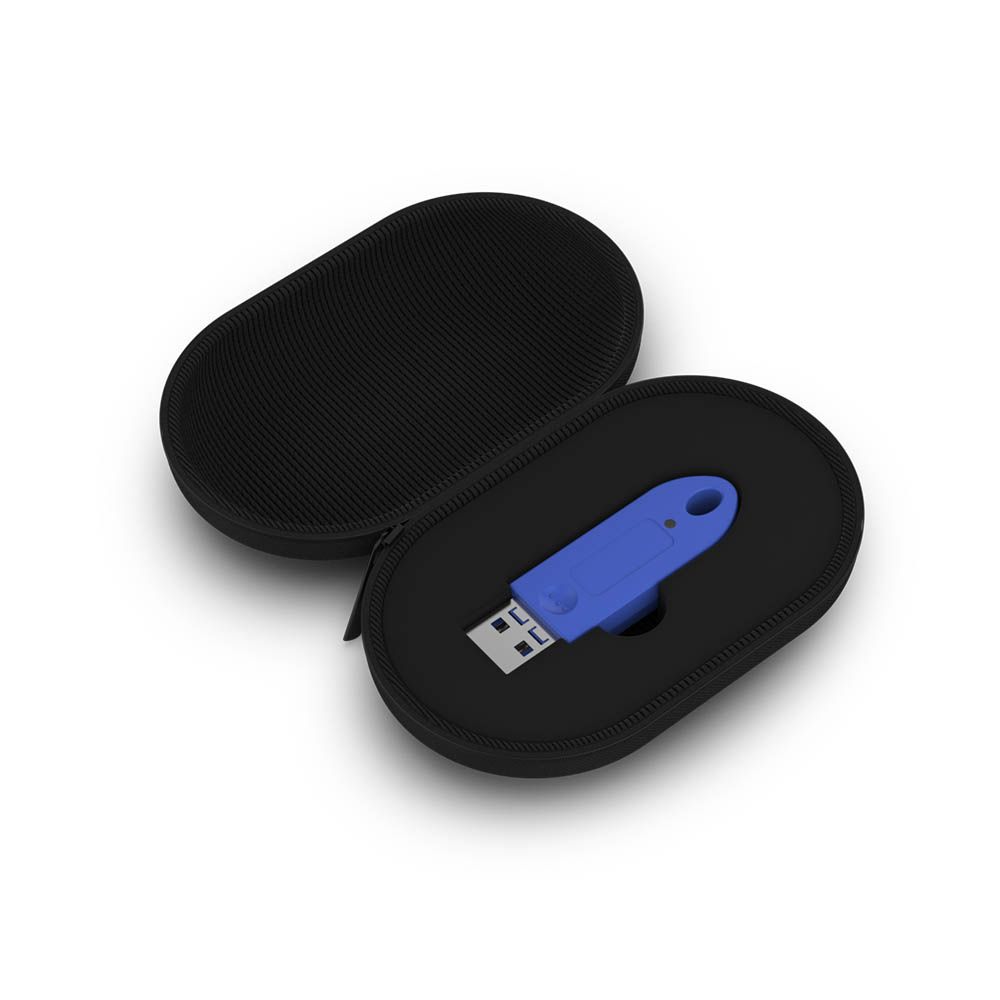
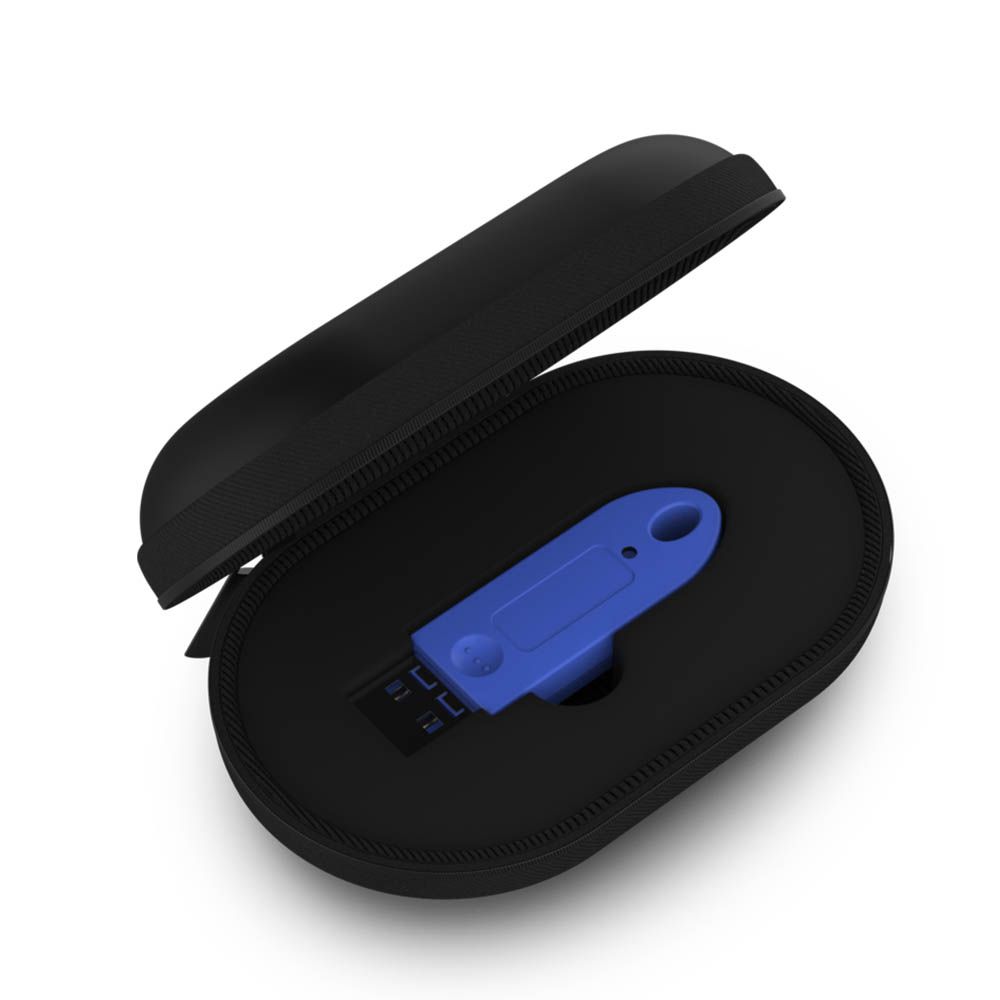
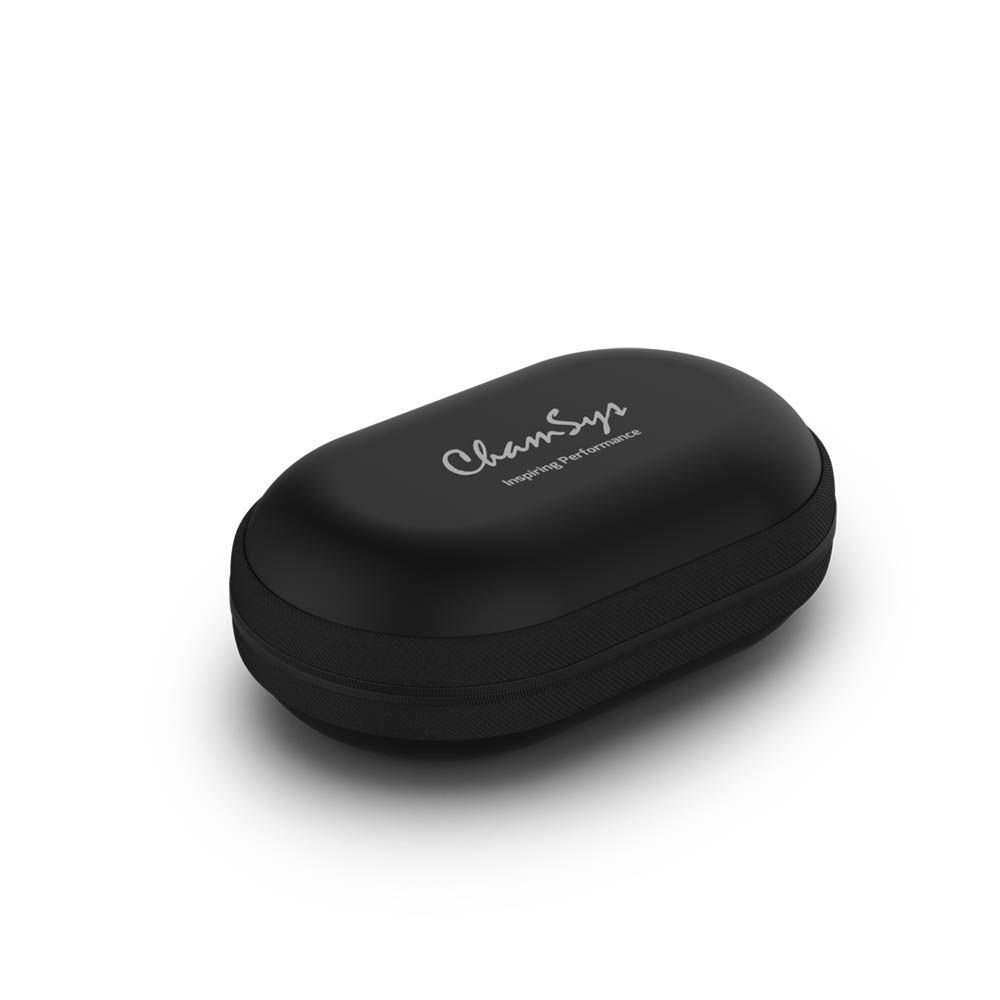


Chamsys MagicQ Rack Mount Dongle
The Chamsys MagicQ Rack Mount Dongle unlocks restricted MagicQ PC functions in a compact USB format suited to installation computers. It also unlocks all 8 layers of standalone MagicHD. Meanwhile, allowing 3rd party and virtual MIDI interfaces to input MIDI Notes into MagicQ for additional control options.
Unlock MagicQ PC Functions
Firstly, connected to a MagicQ PC system, the dongle unlocks functions restricted in Demo Mode. It performs the same unlocking role as a MagicQ Wing or MagicQ USB Interface, with the small form factor making it easy to fit into a rack-mounted computer installation. MagicDMX is not included in this compatibility statement.
Run All Eight MagicHD Layers
When MagicHD is used standalone rather than controlled by a Chamsys console, the dongle unlocks all 8 layers. That opens the documented standalone functions for this workflow, including Scheduled Events, Autostarting Playbacks, Playback Synchronisation, Multi Programming and DMX Input Playback Triggering.
Bring In MIDI Notes
With the dongle connected, MagicQ can use 3rd party and virtual MIDI interfaces to input MIDI Notes. USB-MIDI is supported for the documented workflow, while USB-MIDI playback triggering is limited to the first 10 playbacks. This gives installation users a clear, defined way to add MIDI control to MagicQ.
More Standalone Control
Standalone MagicHD mode also supports Remote Control from iOS, Android, PC and Mac, Audio Input, Full Screen Execute and Web Server Editing. These functions sit alongside the unlocked layers, so users can access the specified control and editing options when MagicHD is not being controlled by a Chamsys console.
Key Features
- Unlocks restricted MagicQ PC functions from Demo Mode
- Unlocks all 8 layers of standalone MagicHD
- Fits installation computers with a small USB form factor
- Supports 3rd party and virtual MIDI interfaces for MIDI Notes input into MagicQ
- USB-MIDI playback triggering is limited to the first 10 playbacks