
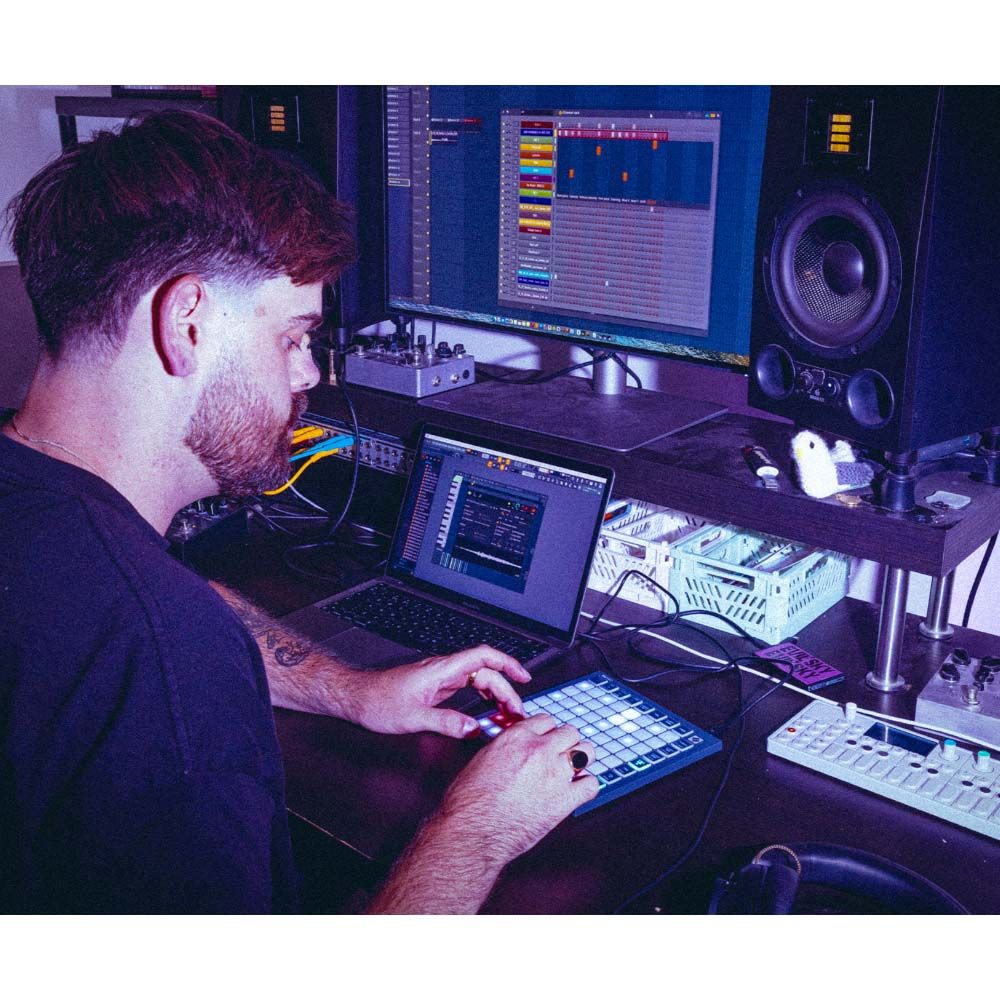
Novation FLpad Mini Grid Controller for FL Studio

$199
SKU: FLPADMINI Category:

Co-developed with Image-Line, FLpad Mini is the fast, hands-on way to make beats in FL Studio, wherever you are. Step-sequence or play drums and melodic parts, slice samples, create and edit Patterns, and more on the go

PID: 490

Accepting Orders

$199

Select Option

Novation FLpad Mini Grid Controller for FL Studio
Novation FLpad Mini Grid Controller for FL Studio Selected
$199
Order Online for Delivery
Backorder
Web
Online Backorder
Backorder
VIC
Dandenong Backorder
Backorder
VIC
Richmond Backorder
Backorder
VIC
Ringwood Backorder
Backorder
NSW
Artarmon Backorder
Backorder
NSW
Smithfield Backorder
Backorder
QLD
Mansfield Backorder
Backorder
WA
Malaga Backorder
Shipping Info
Seen a cheaper price elsewhere?
We'll match it!
Price Match
Price Match
Free Shipping
Free Shipping
This item comes with free shipping. Shipping fees may apply to other products.
Pay in 4 interest-free payments of $. More info
Pay /mth for 12 months interest free. Fees apply.

Novation FLpad Mini FL Studio Grid Controller

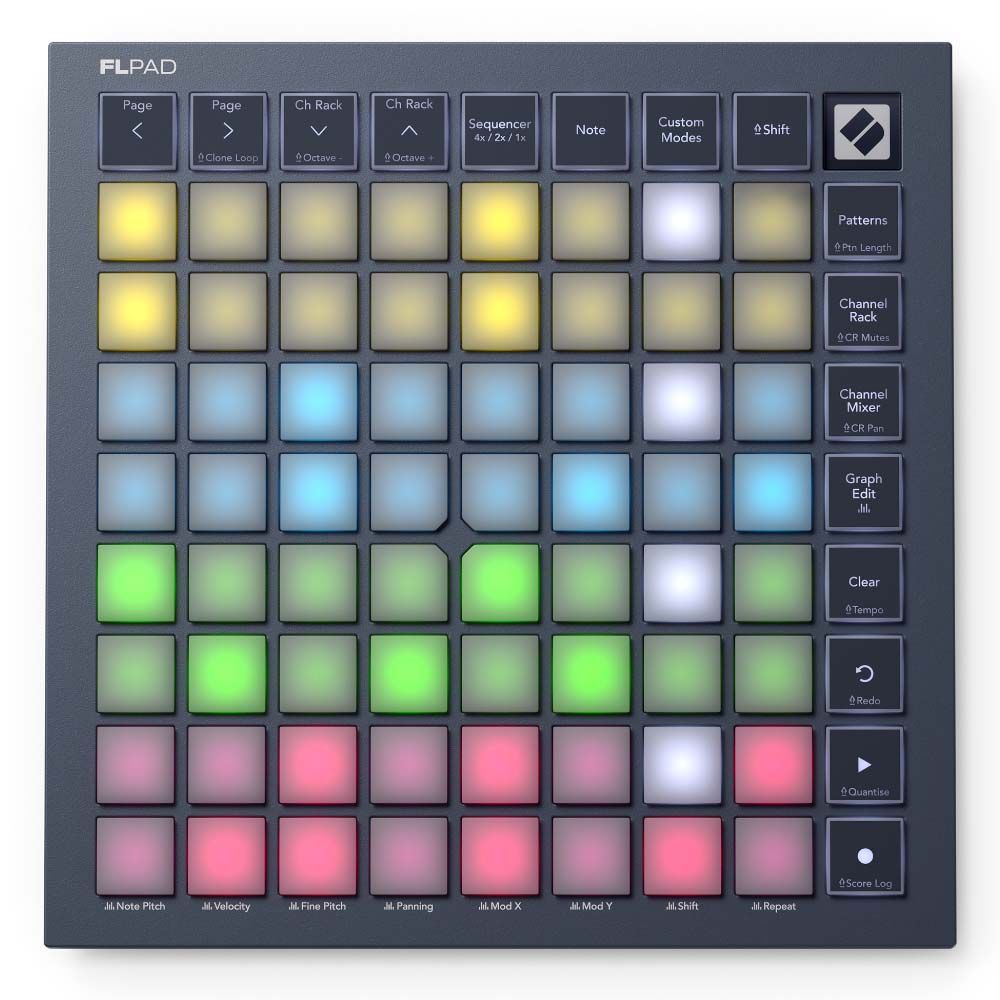
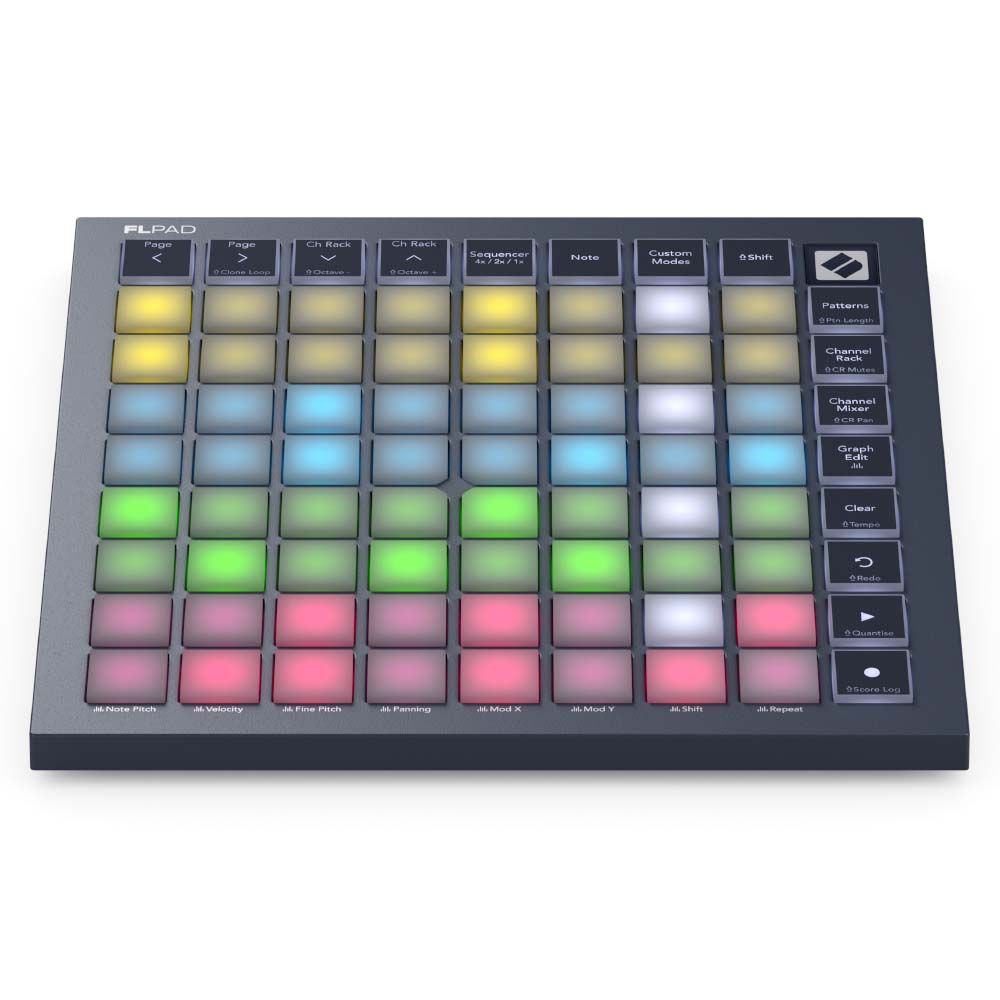
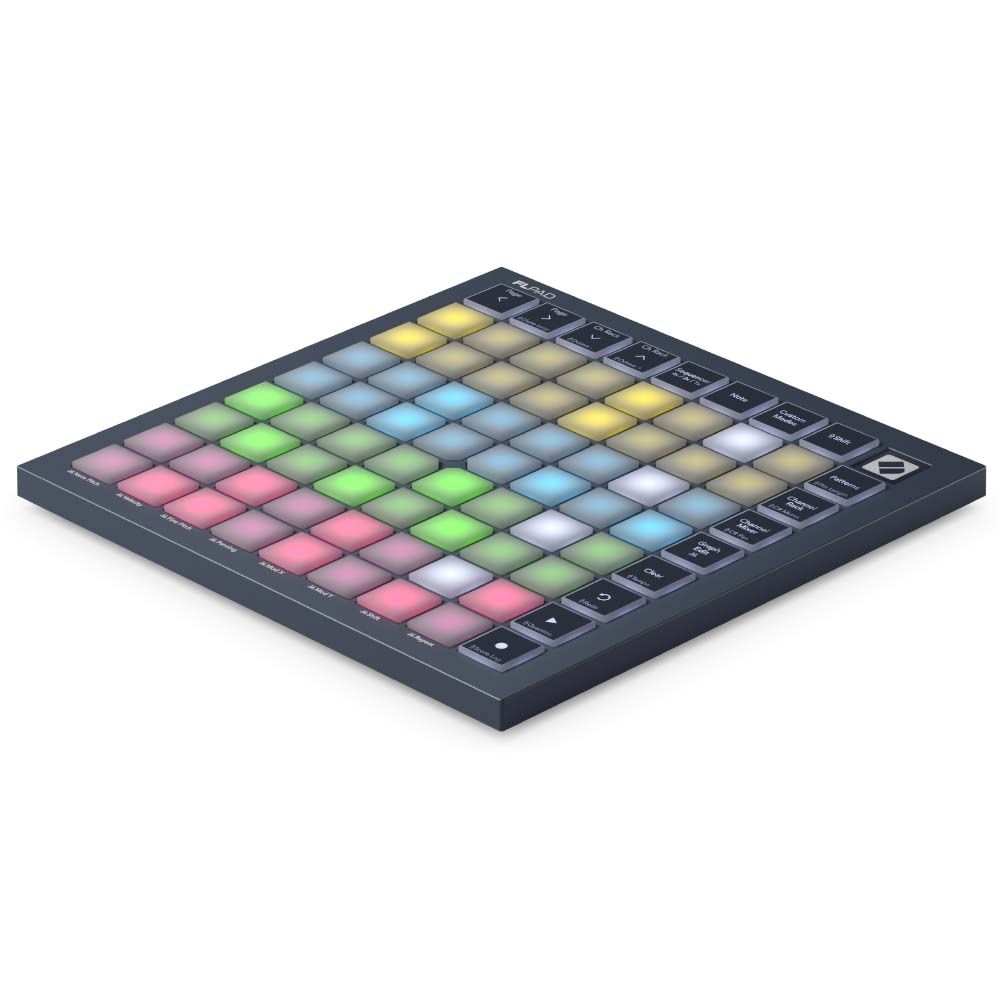
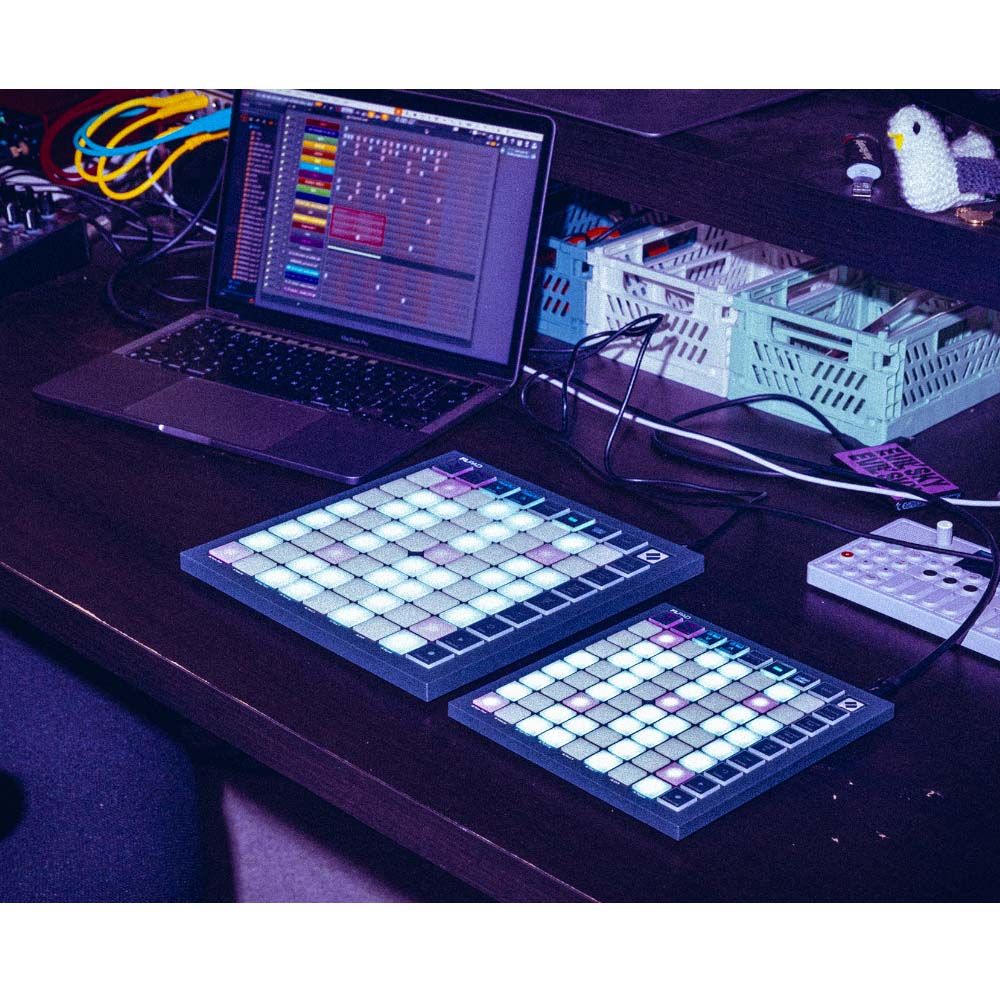
Novation FLpad Mini puts fast, hands-on beatmaking control directly into FL Studio. Its compact 8×8 grid triggers Channel Rack samples and sequences parts for up to four instruments. It also supports Pattern creation and editing. Meanwhile, dedicated buttons keep key project controls close at hand.

Build ideas directly in the grid

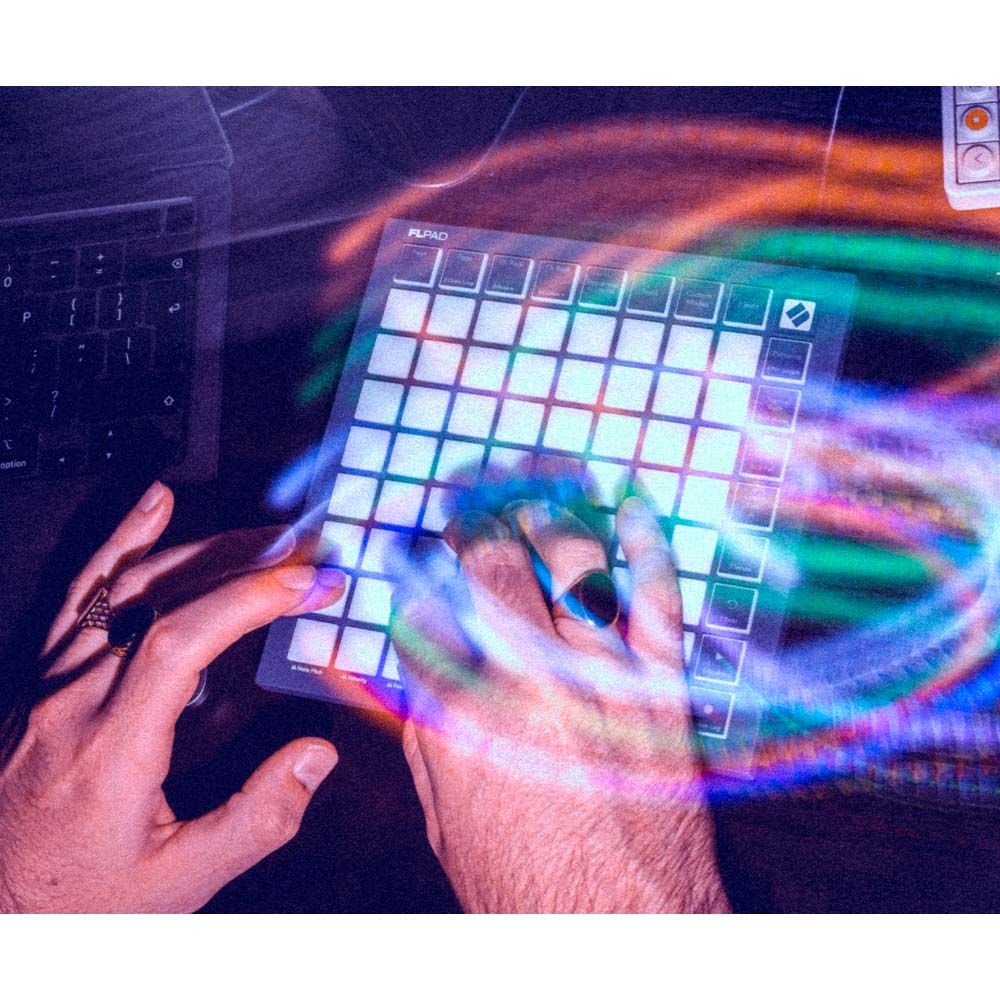
The 64 RGB-backlit pads let you select and trigger samples in the Channel Rack. You can also enter notes and step-sequence drums, basslines, melodies, and chord sequences. In Sequencer view, you can work with up to four Channel Rack instruments at once. For example, you can sequence them, play them, or do both together.

Play and shape musical parts

Note mode lets you play and sequence melodic instruments chromatically or locked to a chosen scale. In addition, dedicated layouts cover FPC, Slicex, and Fruity Slicer. Direct Graph Editor access also lets you edit velocity, pitch, note repeats, and more. As a result, you can refine parts without breaking your flow.

Keep projects moving

Create, select, clear, and duplicate Patterns from the dedicated Pattern view. Then, use the buttons to start and stop playback and recording. You can also undo actions, access the Score Log, and manage other controls. Finally, Channel Rack Mixer mode turns the grid into a row of faders for hands-on mixing.

Compact control for flexible setups

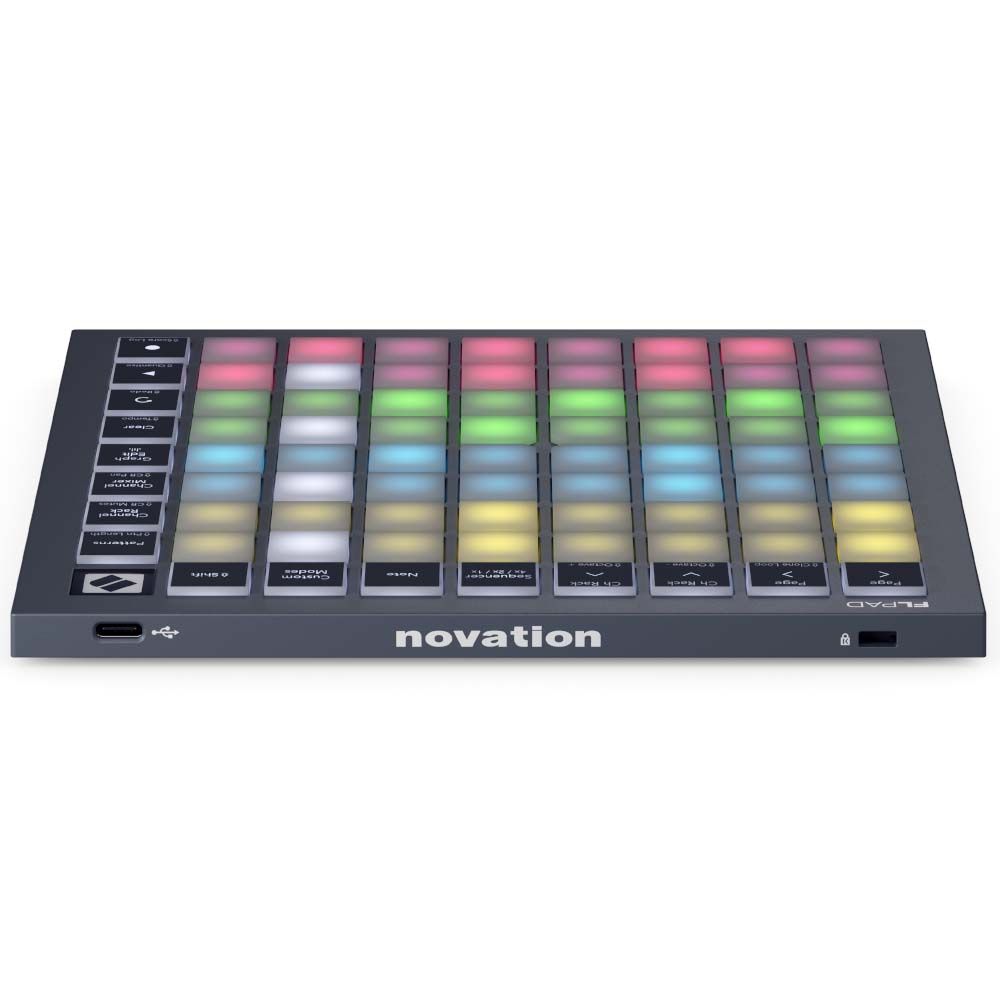
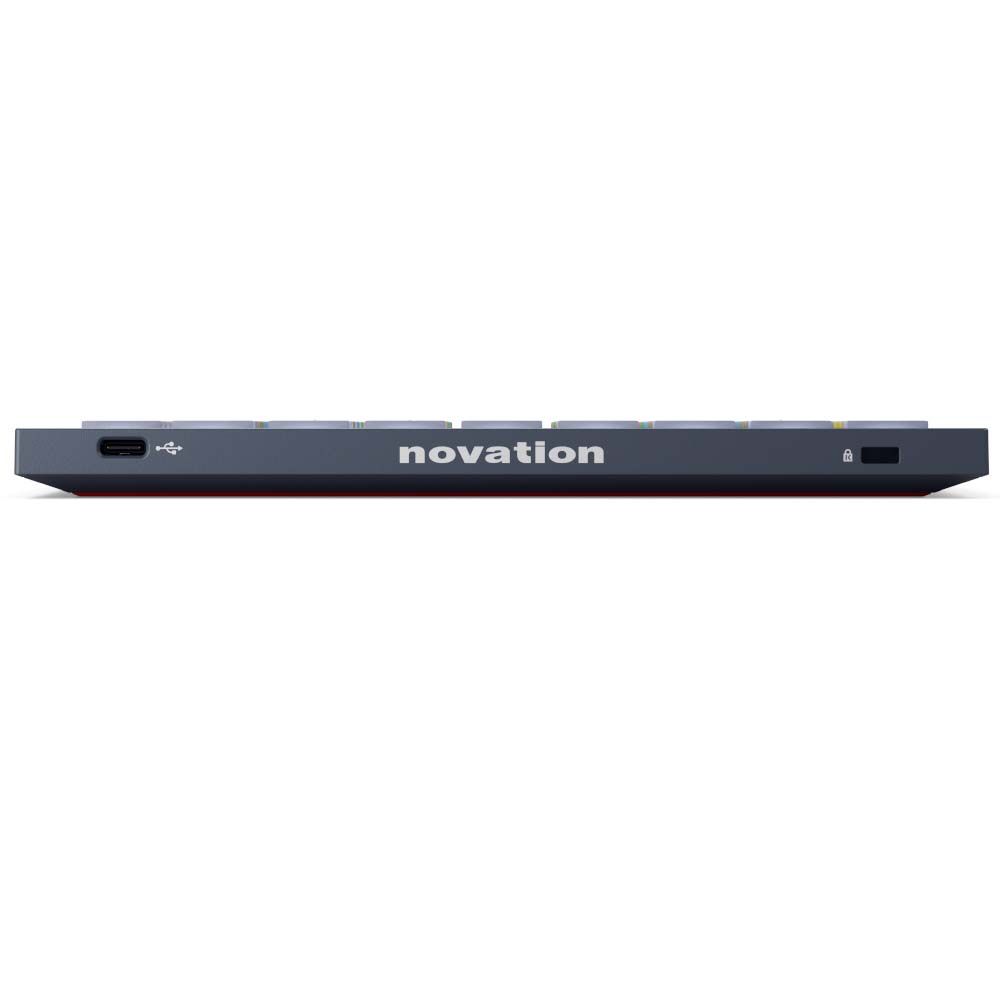
USB-C connectivity and USB bus power keep the setup simple. Plus, FLpad Mini comes with a USB-C-to-A cable in the box. Because it’s class compliant, it works with any recent Mac, Windows PC, or iOS device. Novation Components also lets you create custom layouts for FL Studio or other software and hardware.

Key Features

  • Build beats, melodies, basslines, and chord sequences directly in FL Studio
  • Trigger Channel Rack samples from the RGB-backlit grid
  • Refine notes with direct Graph Editor access
  • Control Patterns, transport functions, the Score Log, and Channel Rack Mixer mode
  • Includes a six-month trial of FL Studio Producer Edition, plus selected instruments, effects, and Melodics lessons

 

  • Made for FL Studio, with hands-on control of the Channel Rack, Patterns, drums, melodies, and more
  • 64 RGB-backlit pads arranged in an 8×8 grid for triggering samples and entering notes
  • Step-sequence melodies, basslines, chord sequences, and drum patterns for up to four instruments at once
  • Note mode for playing and sequencing melodic instruments chromatically or locked to a chosen scale
  • Dedicated layouts for FPC, Slicex, and Fruity Slicer
  • Create, select, clear, and duplicate Patterns directly from the controller
  • Access FL Studio’s Graph Editor to edit velocity, pitch, note repeats, and more
  • Channel Rack Mixer mode turns the grid into a row of faders
  • Dedicated transport controls for Play/Stop, Record/Score Log, Undo/Redo, and Clear/Tempo
  • USB-C connectivity, USB bus power, and custom layouts through Novation Components

Pads: 64
Pad configuration: 8×8
Velocity sensitive: No
Page buttons: 2
Channel Rack/Octave buttons: 2
Mode buttons: 7
Transport buttons: Play/Stop, Record/Score Log, Undo/Redo, and Clear/Tempo
Connectivity: USB type-C
Bus powered: Yes
Kensington Lock: Yes
Software Compatibility: FLpad Mini is class compliant and will work with any recent Mac, Windows PC, or iOS device.
Power Requirements: USB bus powered
Power supply: Not included
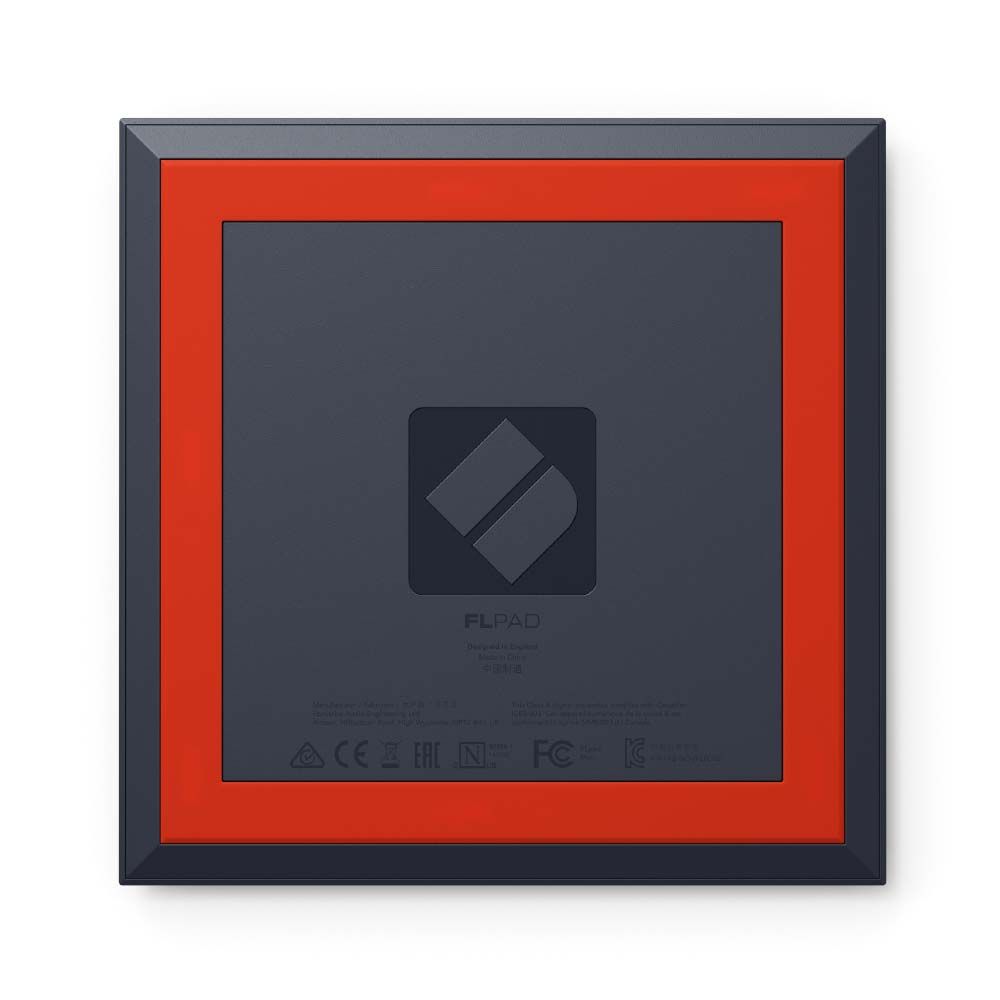
What’s In the Box: FLpad Mini; USB-C-to-A cable
System Requirements: Please go to https://downloads.novationmusic.com/novation for information on supported Windows, Mac and iOS operating systems.

For more information, please visit the manufacturer's website.