


Novation FLpad Grid Controller for FL Studio
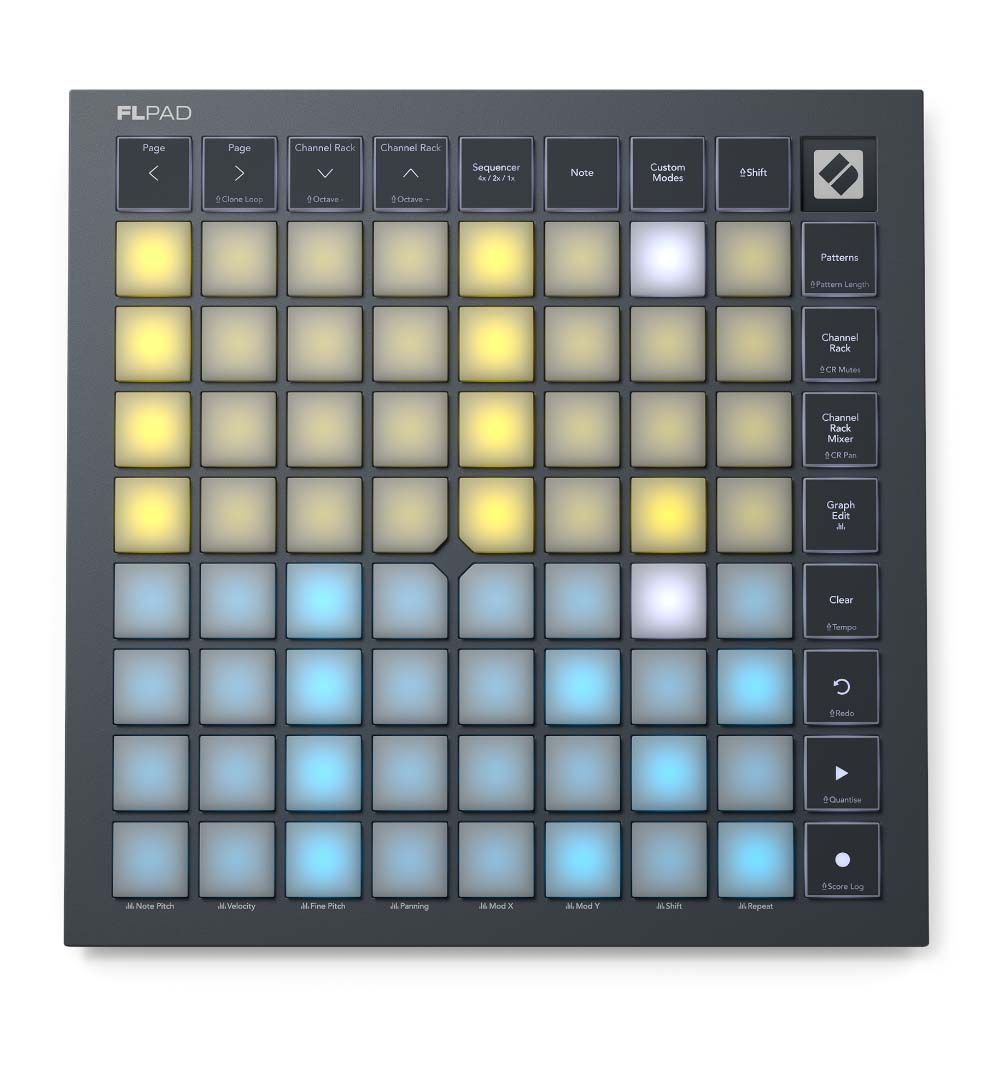
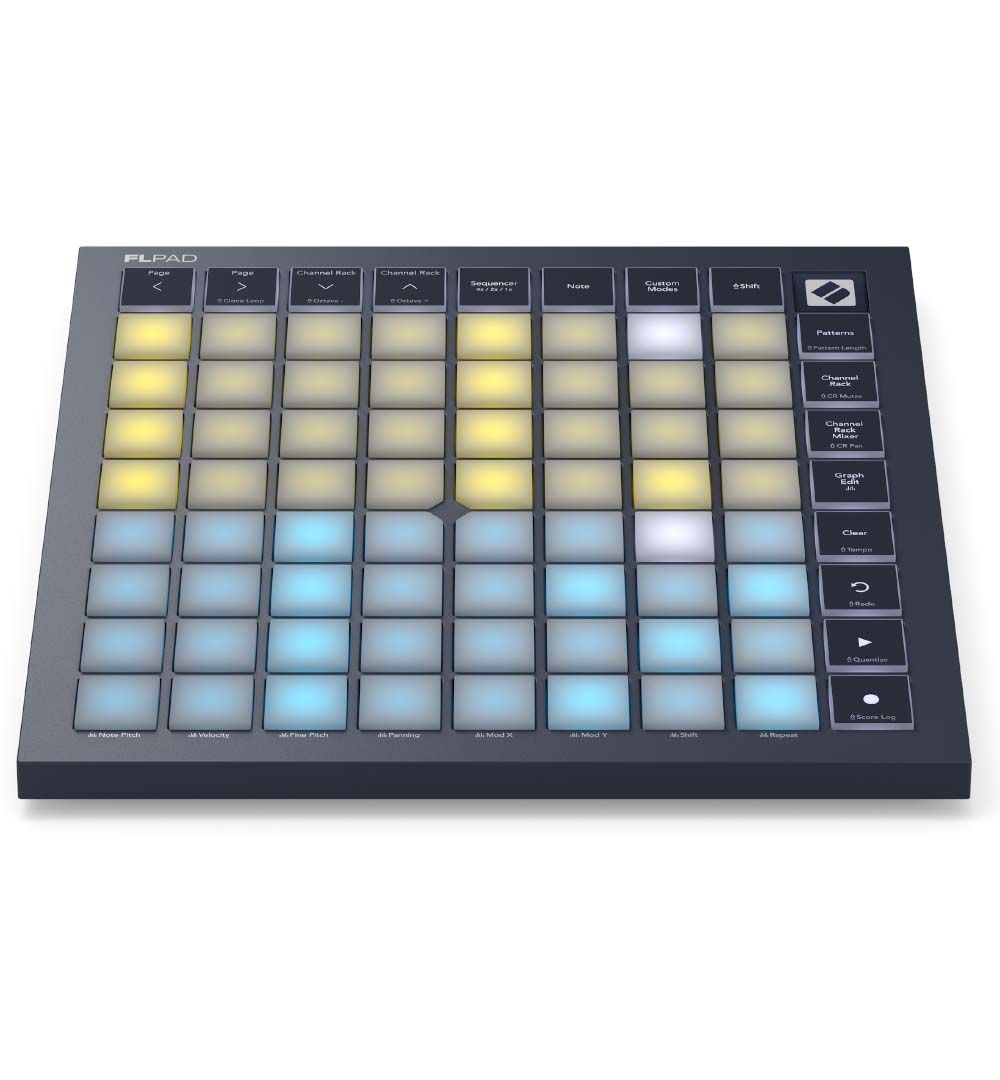
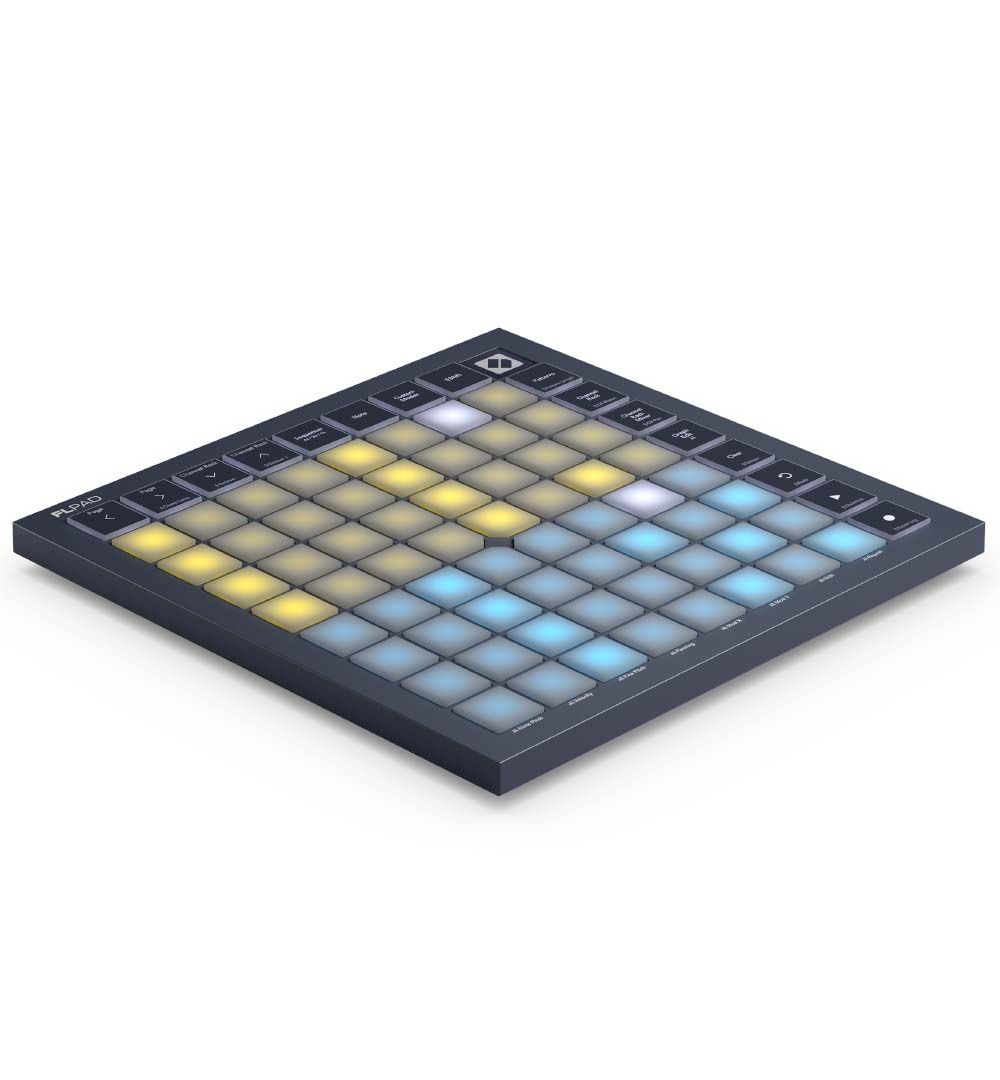
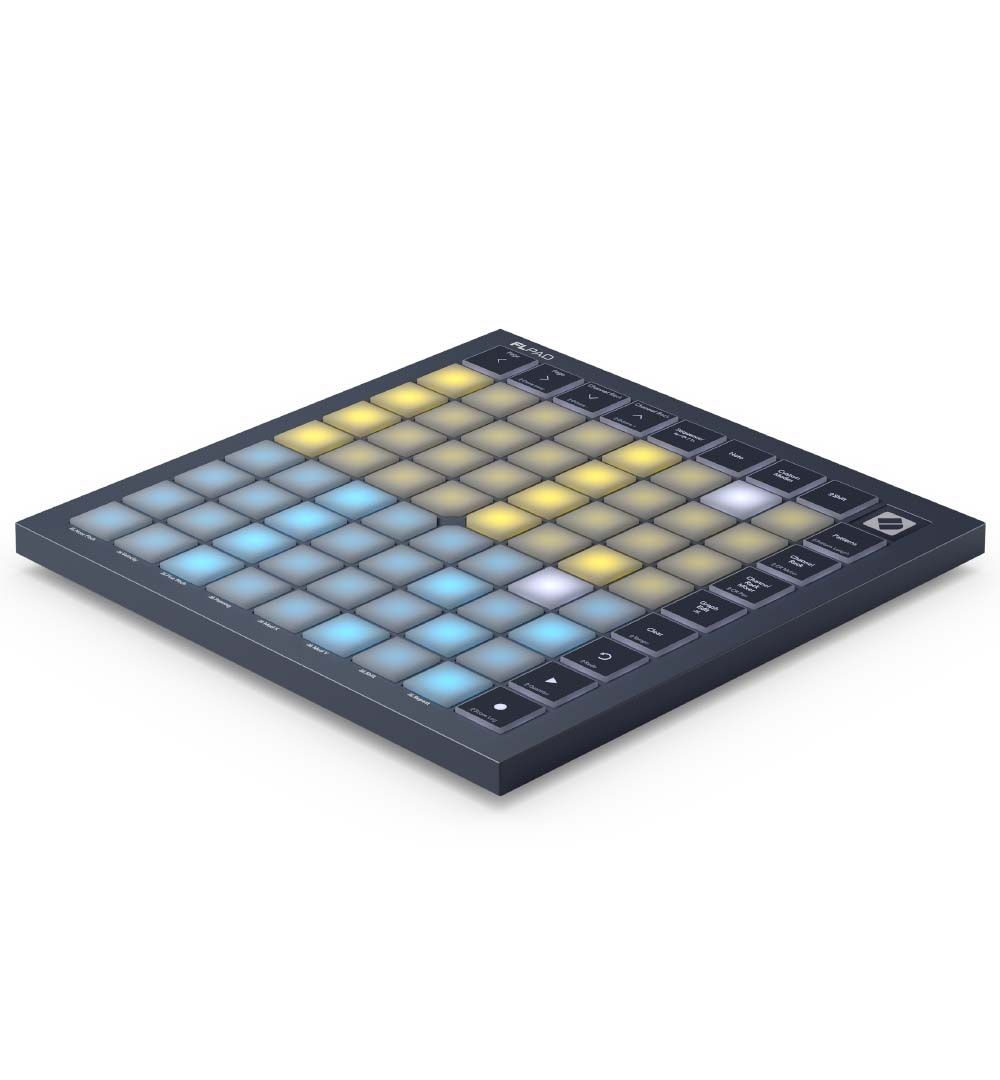
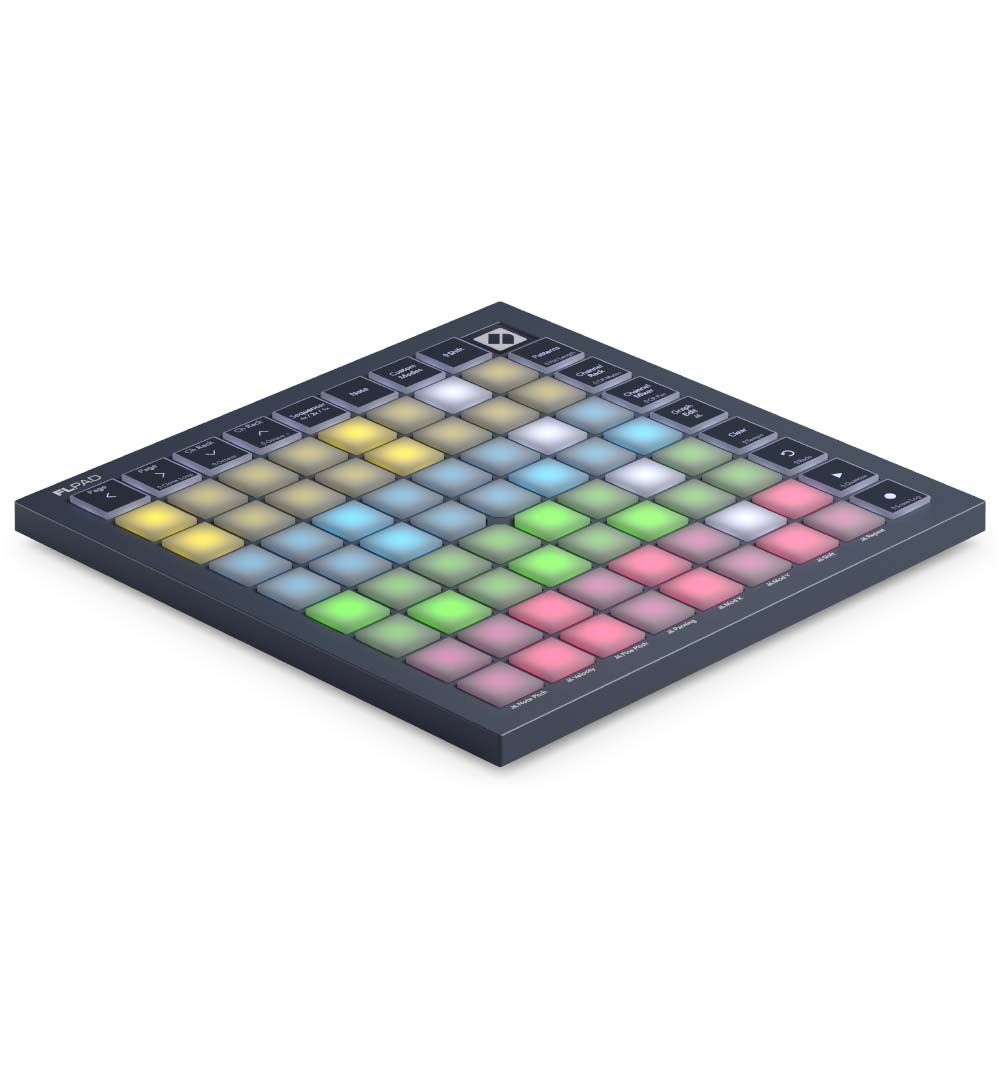
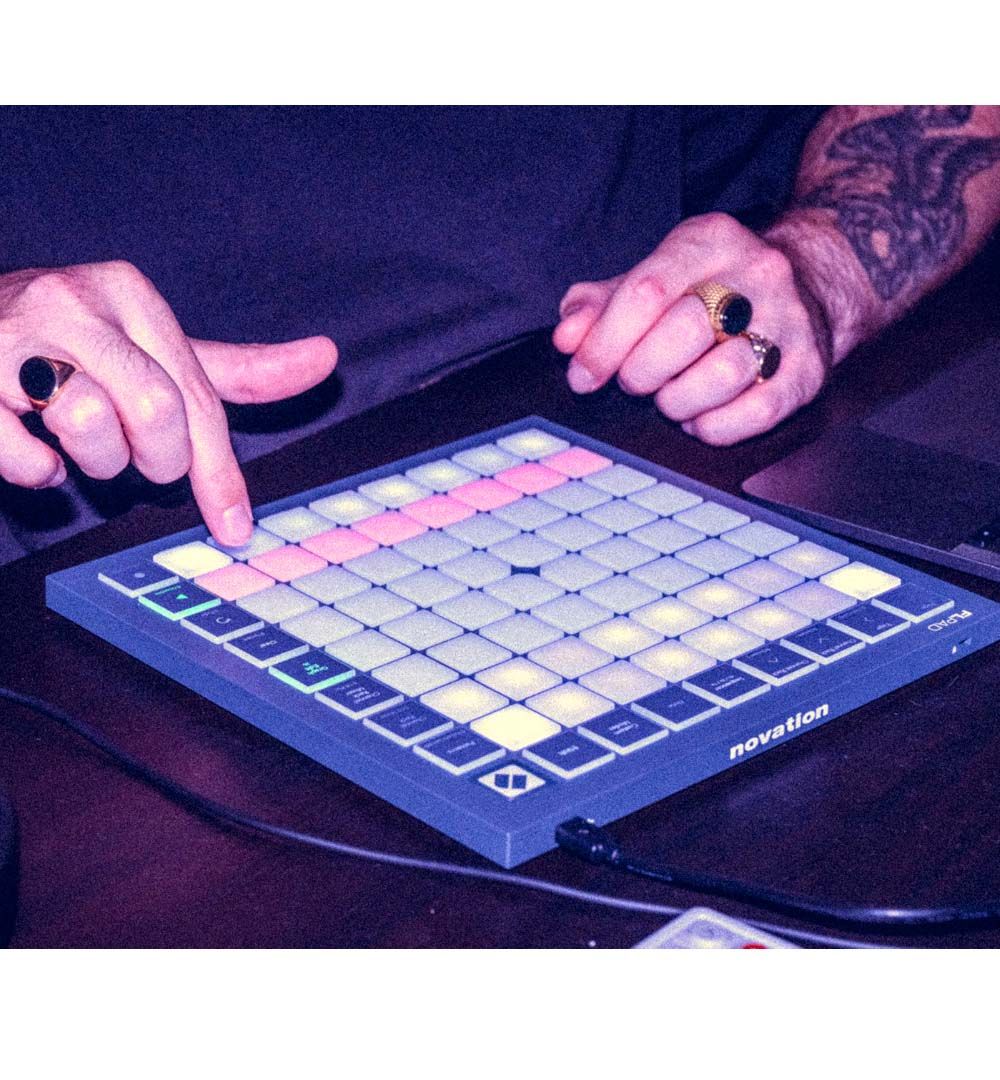
Novation FLpad puts FL Studio’s beat-making workflow under your fingers. Novation co-developed it with Image-Line, so it feels made for the way FL Studio works. In addition, it pairs a velocity-sensitive pad layout with hands-on Channel Rack control. You also get four-instrument step sequencing, Pattern editing, and dedicated transport buttons, so you can build ideas more directly.
Shape beats from the grid
Use the 64 velocity-sensitive pads to select and trigger samples in the Channel Rack. You can also finger drum through dedicated FPC, Slicex, and Fruity Slicer layouts. Alternatively, switch to Note mode to play melodic parts. You can play and sequence melodies in a chosen scale or chromatically. As a result, the grid suits rhythmic and melodic work equally well.
Develop several parts at once
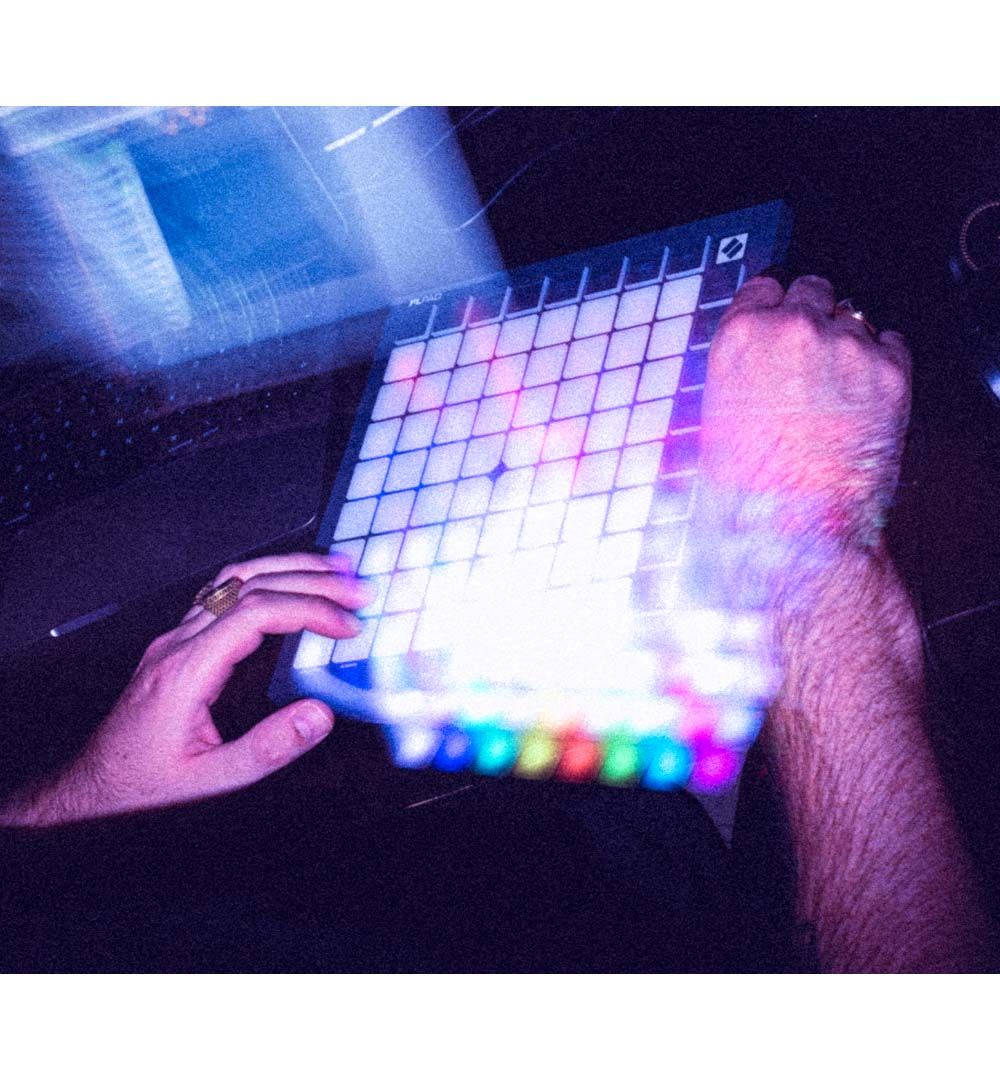
Step-sequence melodies, basslines, chord sequences, and drum patterns for up to four instruments at once. In Sequencer view, you can play Channel Rack instruments, sequence them, or do both together. Meanwhile, the colour-coded grid makes it easier to see the parts you’re shaping.
Keep project control close
Create, select, clear, and duplicate Patterns from the dedicated Pattern view. Then, edit velocity, pitch, and note repeats through FL Studio’s Graph Editor. The transport buttons handle playback, recording, undo, and redo. Plus, Channel Rack Mixer mode turns the grid into a row of faders.
Ready for your FL Studio setup
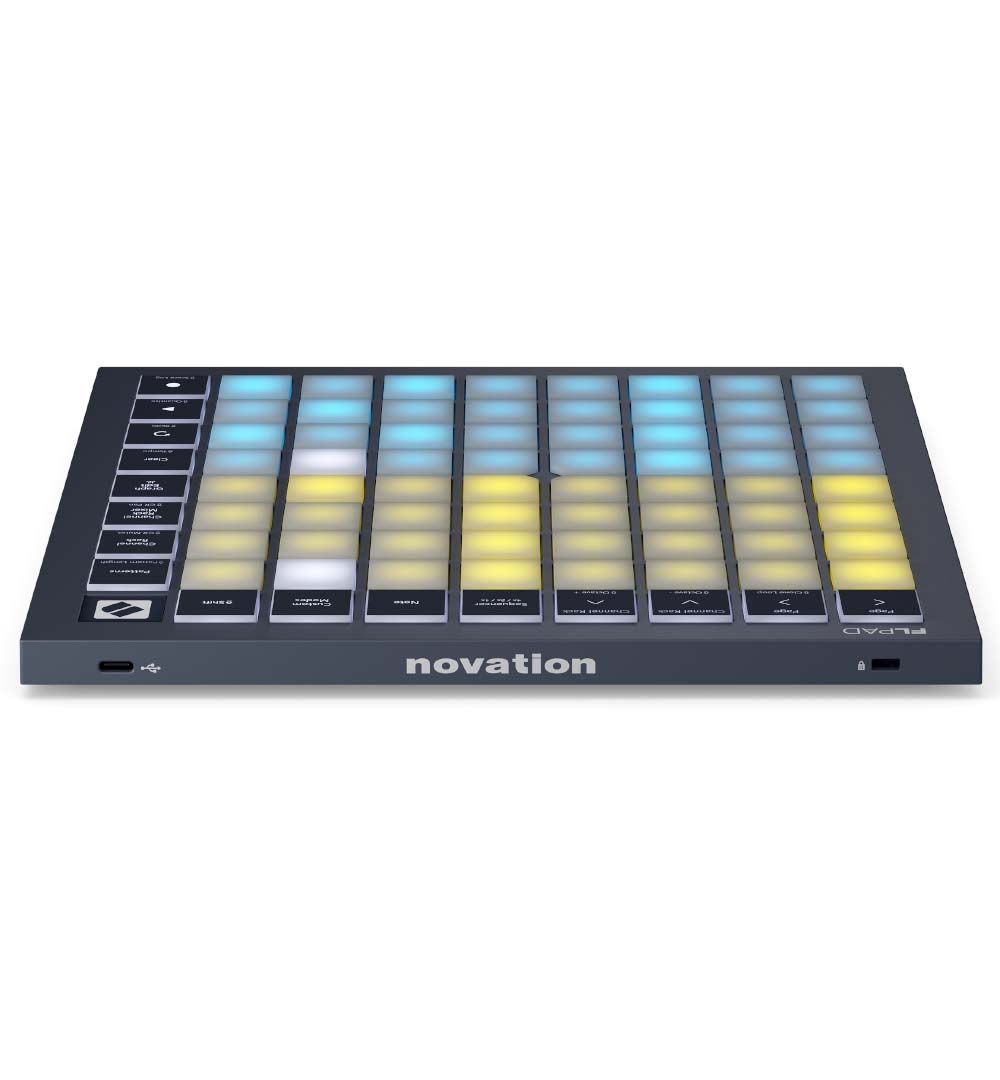
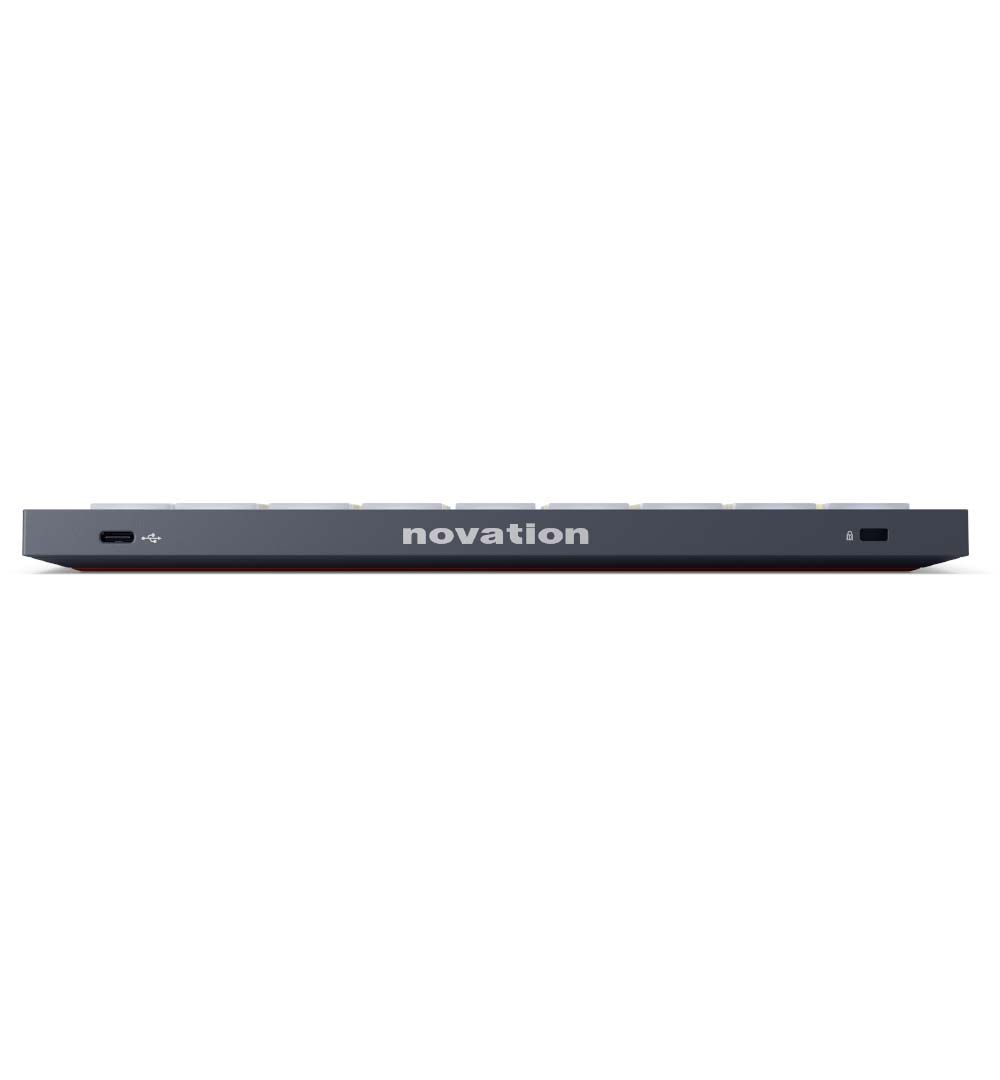
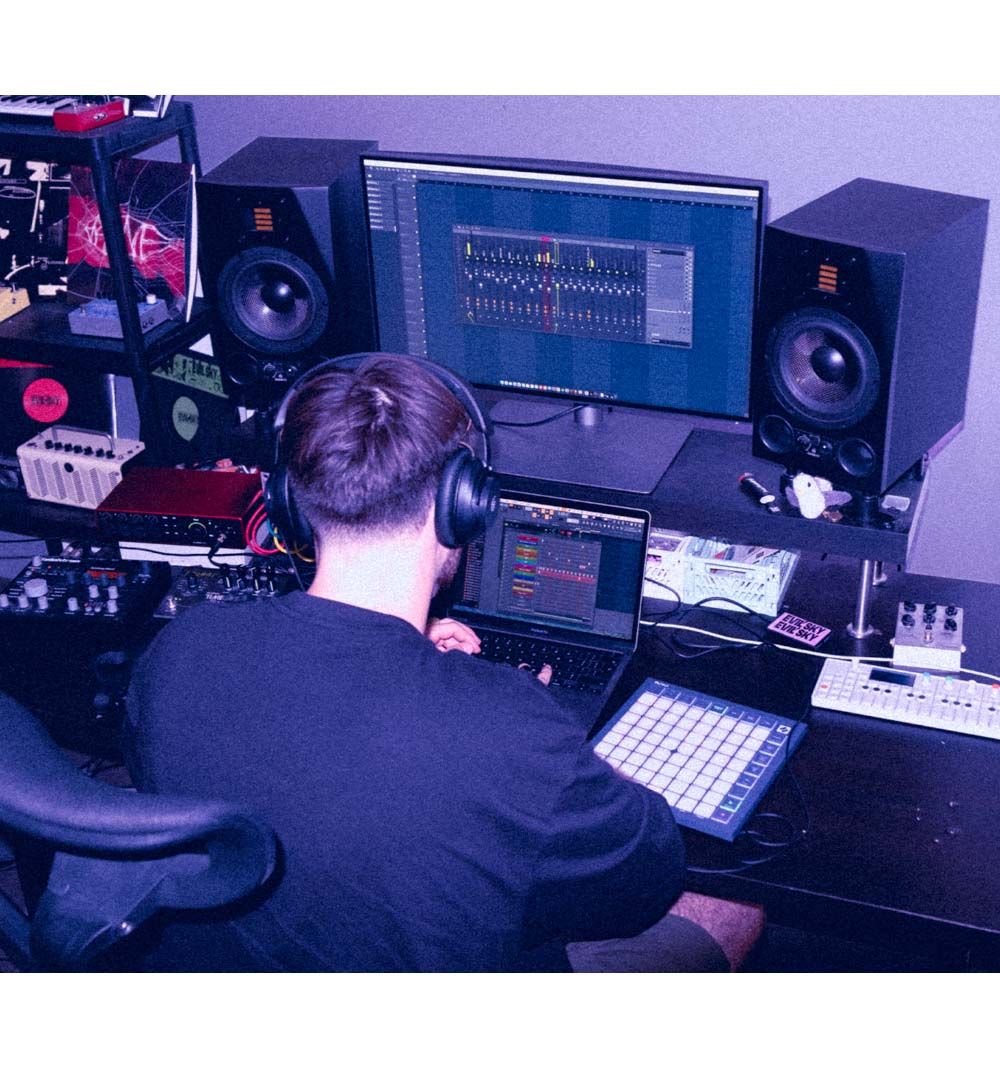
FLpad connects via USB Type-C and draws power from the USB bus, so setup stays simple. Because it’s class compliant, it works with any recent Mac, Windows PC, or iOS device. FLpad also comes with six months of FL Studio Producer Edition and Melodics finger-drumming lessons. Finally, Novation Components lets you create custom layouts for your other software and hardware.
Key Features
- Hands-on control of FL Studio’s Channel Rack, Patterns, Graph Editor, and mixer mode
- Velocity-sensitive 8×8 pad grid for samples, drums, basslines, and melodies
- Up to four-instrument step sequencing for building layered ideas
- Dedicated controls for transport, Pattern creation, and project navigation
